SANGYUL LEE — SENIOR GAME UI/UX DESIGNER · UI · MOTION · VFX / TECHNICAL ART · 10+ YEARS

Game UI/UX, from user flow
to shipped, in-engine screen.

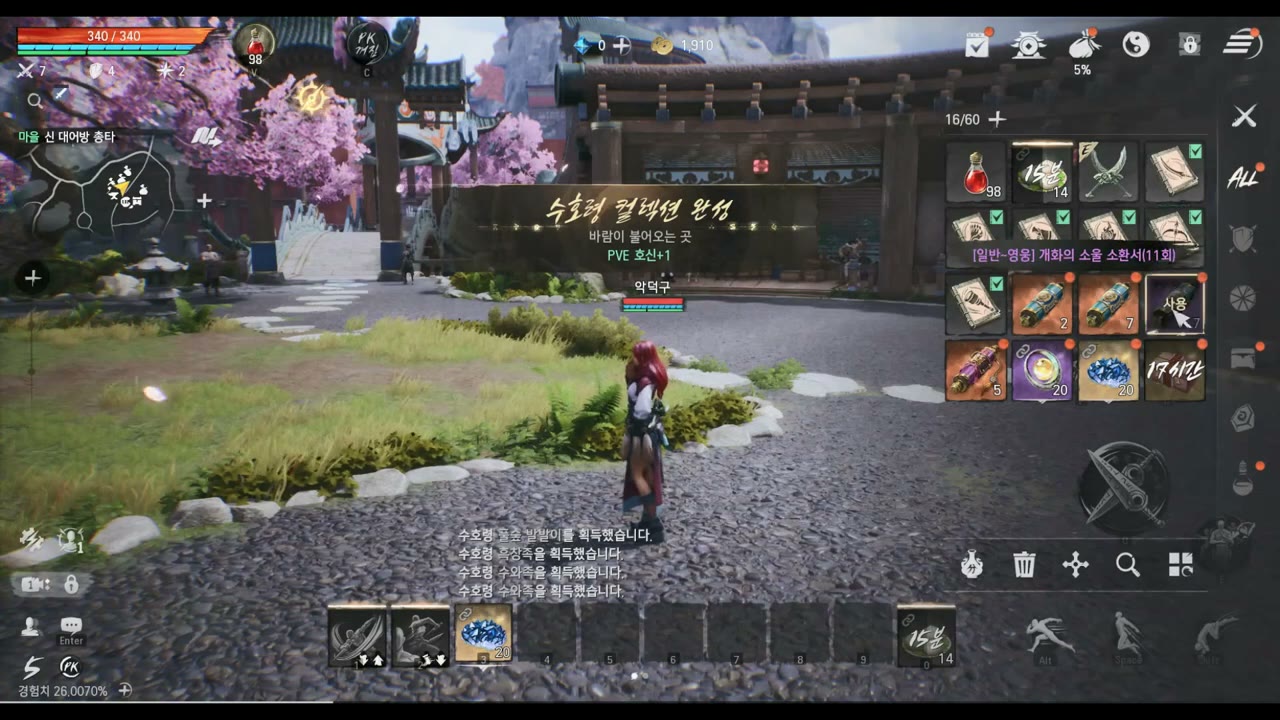
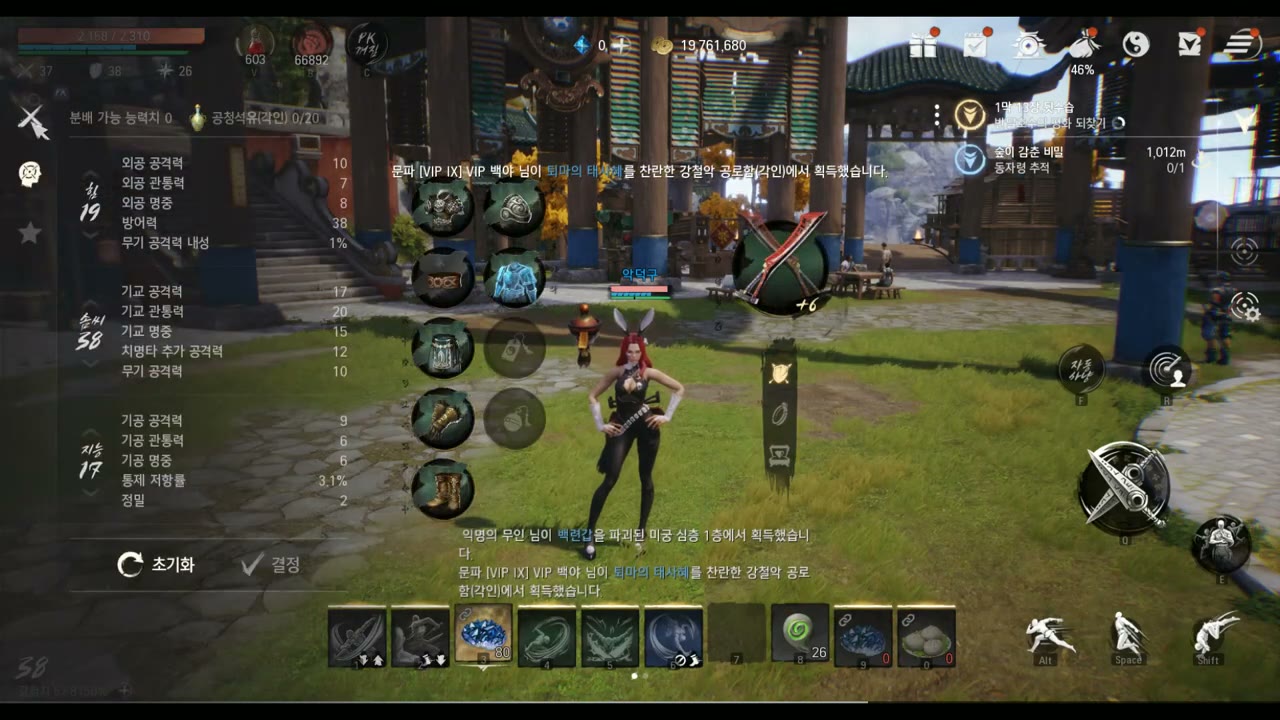
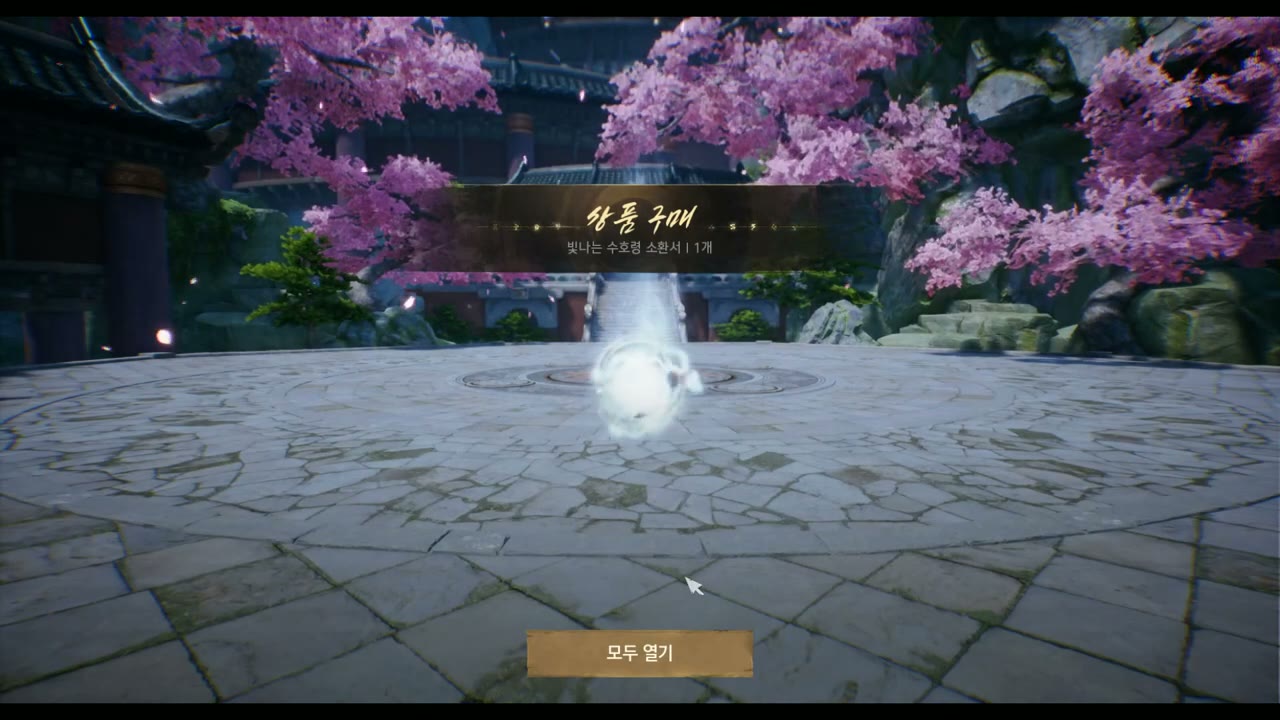
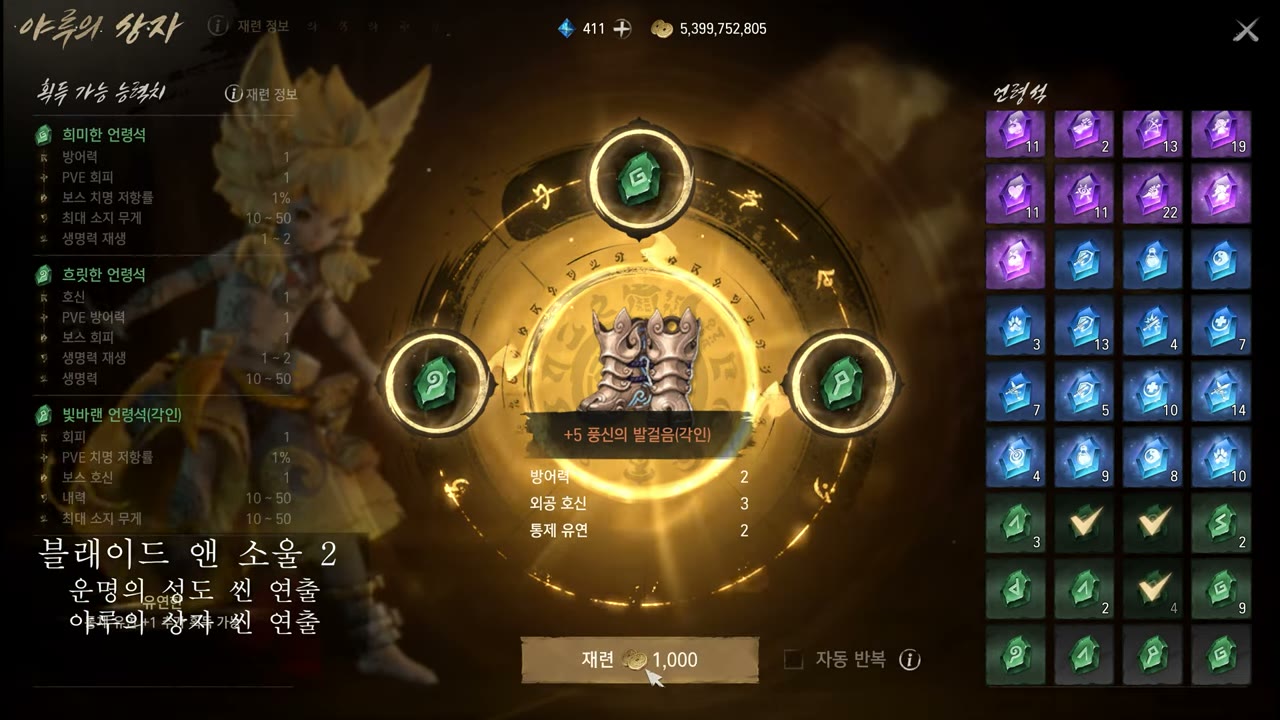
Senior UI/UX designer with 10+ years across AAA live-service titles on Unreal Engine — Blade & Soul 2, Lineage W/2M, BnS NEO, Battle Crush (PC · console · mobile). I take a feature from problem definition and UX flows, through Figma wireframes and polished visual design (Photoshop, Illustrator), all the way to front-end implementation in-engine (UMG) and HTML5/CSS. My differentiator is range: a UI/UX designer who also brings real-time VFX and technical-art depth. I design the flow, animate the motion, author the shaders & effects, and ship the screen in-engine myself — one designer, the full visual stack.

0
AAA live titles · 5 UI/UX + 1 VFX
0+
years · game UI/UX
PC·Con·Mob
multiplatform UI experience
Flow→Ship
flows → wireframes → in-engine, end to end

※ A designer who implements. Live UI motion on this page plays in real time via a flipbook engine I built; the playable games are real front-end builds. Technical-art / VFX depth is shown in the VFX/TA section below — proof I can build what I design.

CORE COMPETENCY

A UI/UX designer who takes it from flow to shipped — and builds it himself

I design the experience, draw the screens, and implement them in-engine. The motion and technical-art craft is what makes the result feel right.

UI/UX Design

FLOWS · LAYOUTS · PROTOTYPES

Problem → user flow → wireframe → visual comp → in-engine screen. UX thinking first; the pixels follow the decisions.

  • UX flows, wireframes & prototypes in Figma — information hierarchy, screen states, decision branches
  • Polished visual design with Photoshop & Illustrator — components, icon & color systems, design tokens
  • In-engine front-end implementationUnreal UMG and HTML5/CSS (I ship the screen, not just a mock)
  • Multiplatform — PC, console (gamepad focus / safe-area) and mobile, on AAA live-service titles

UI Motion Designer

UI MOTION DESIGN

From a single button press to the catharsis of a reward, I direct every motion that happens on the UI.

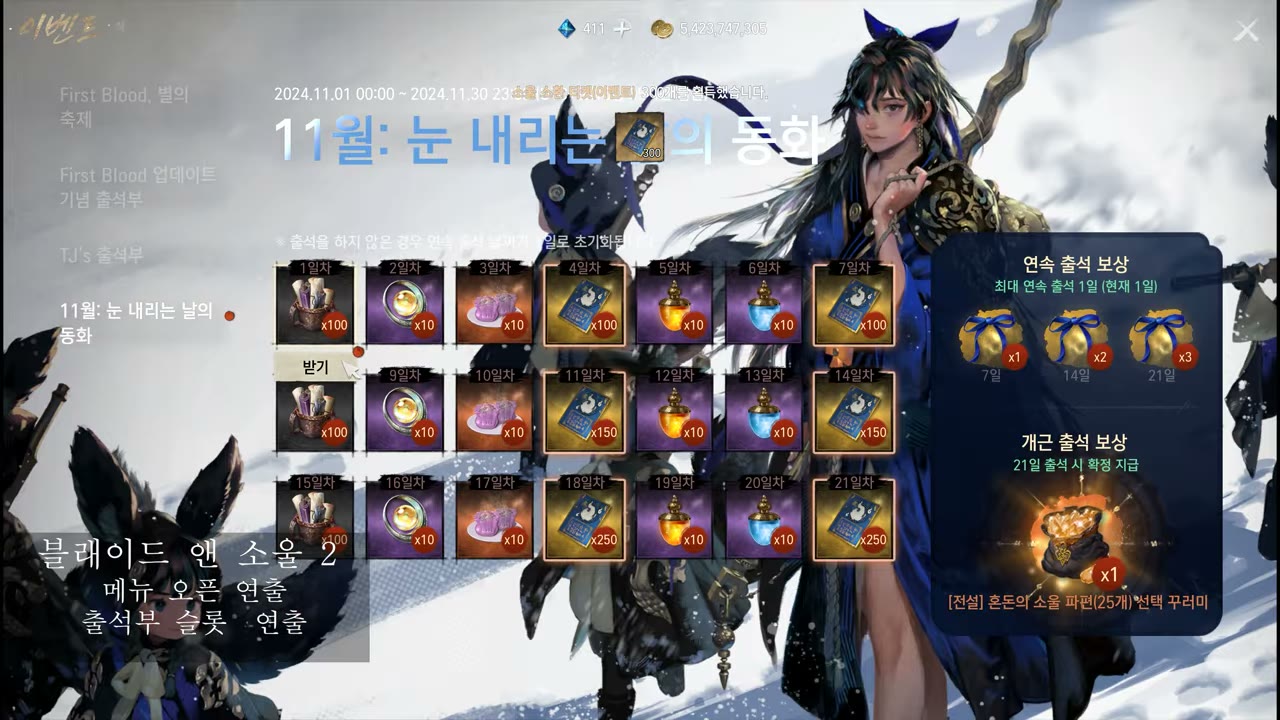
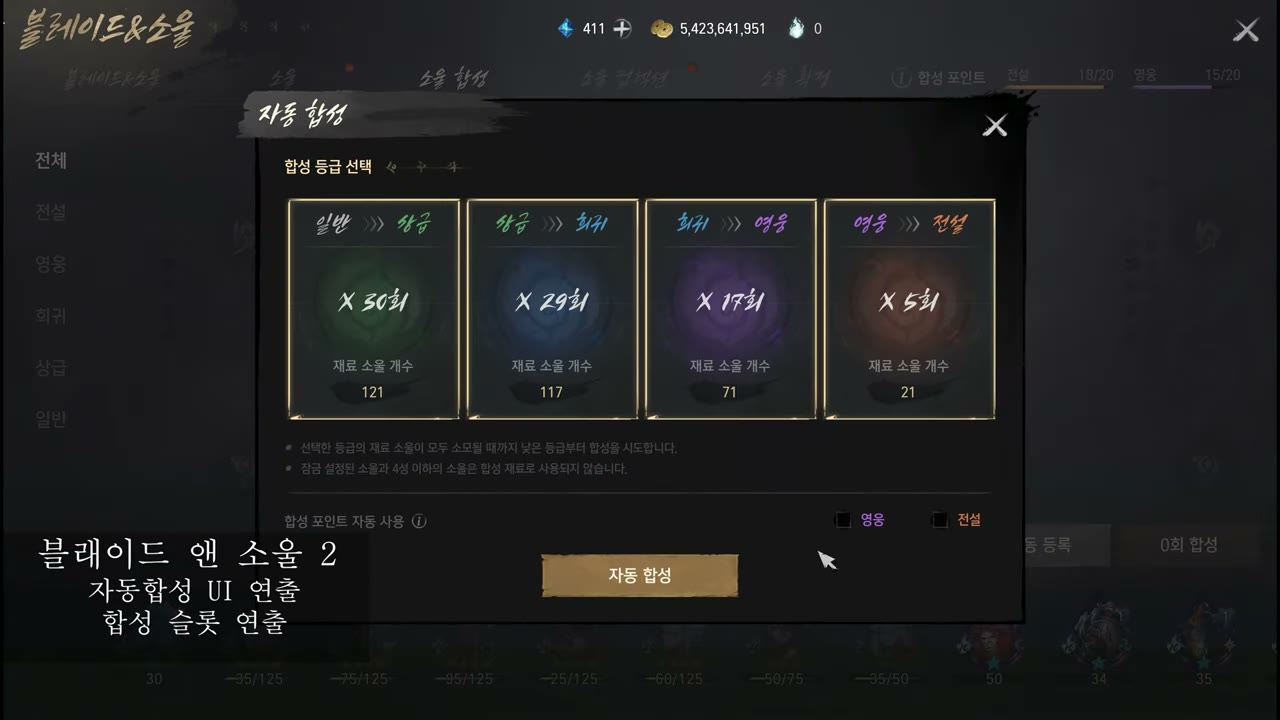
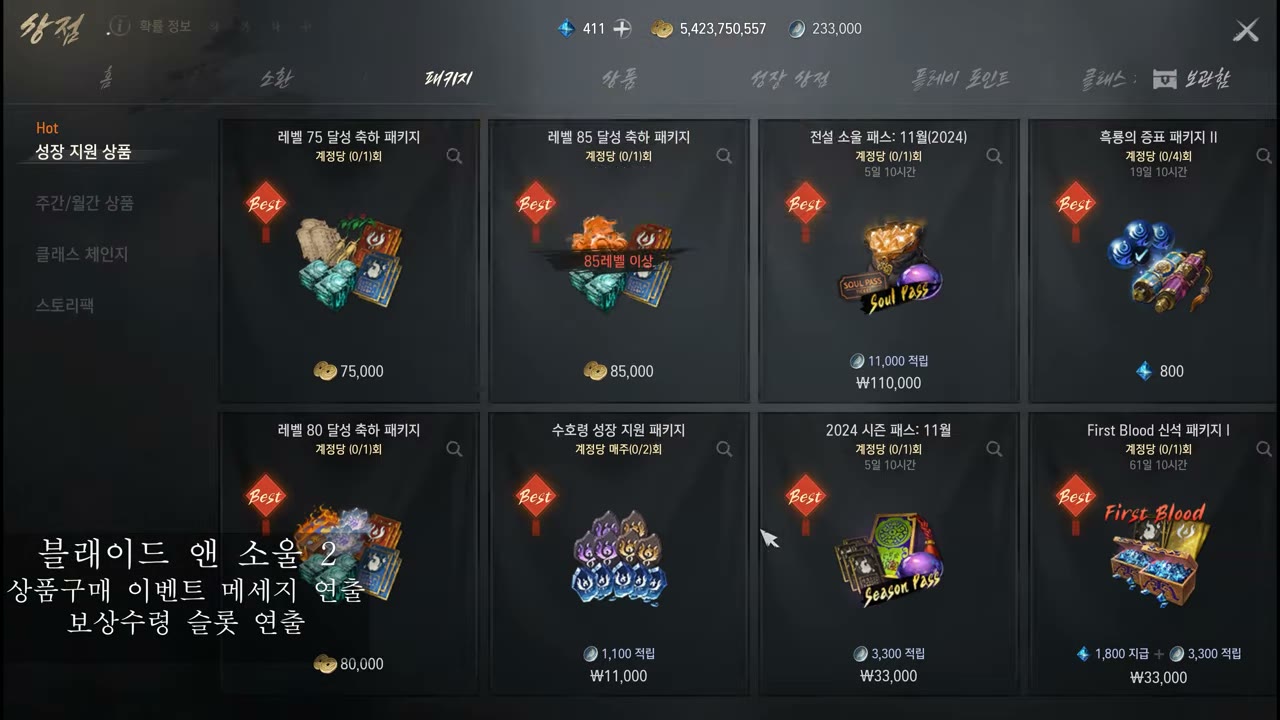
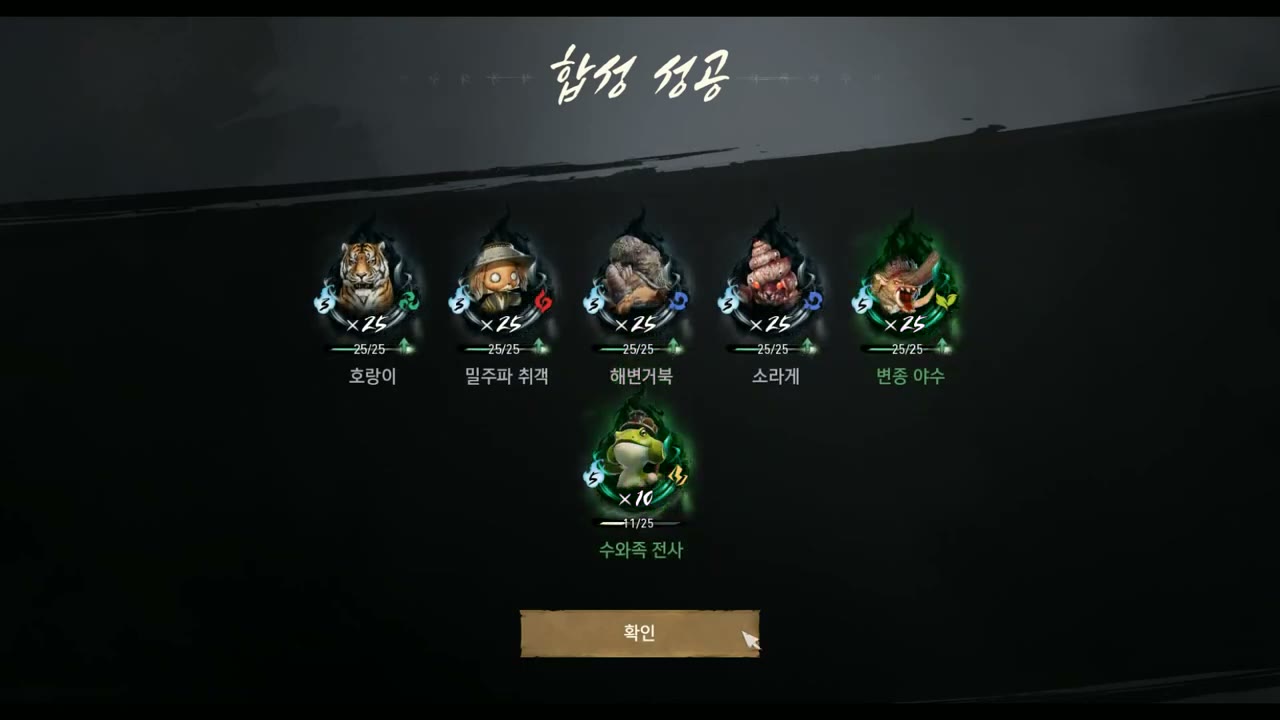
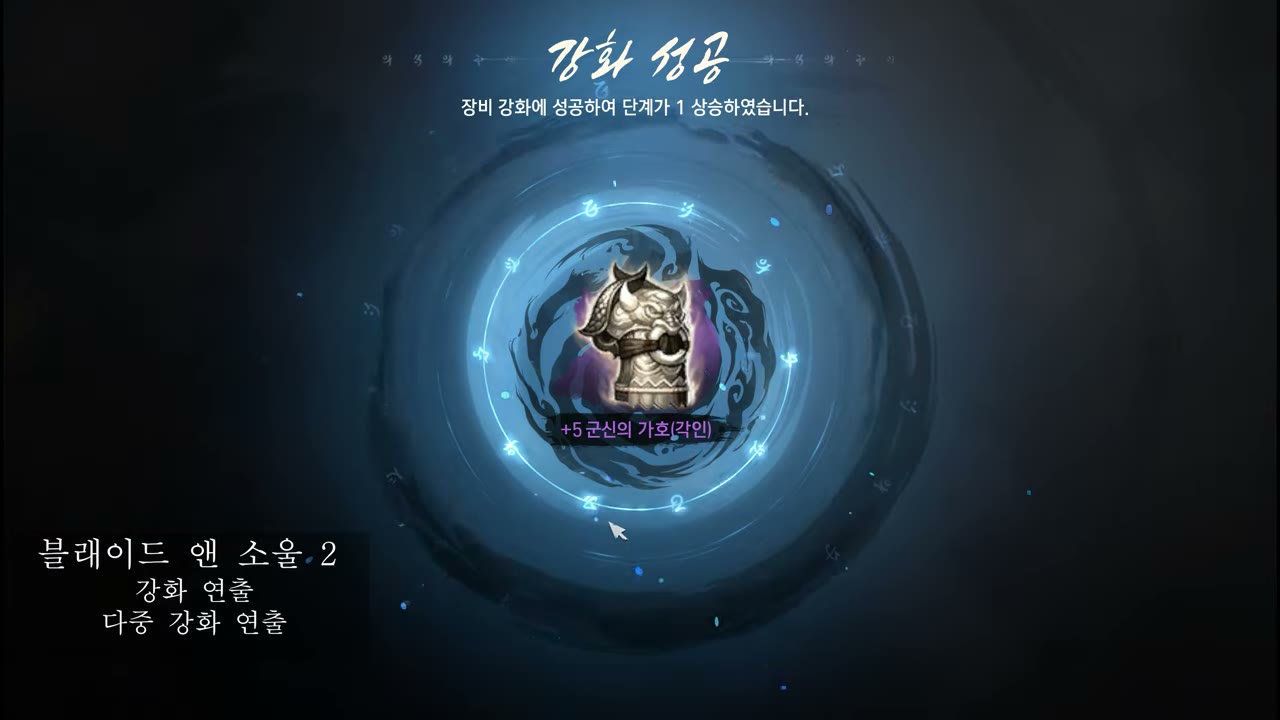
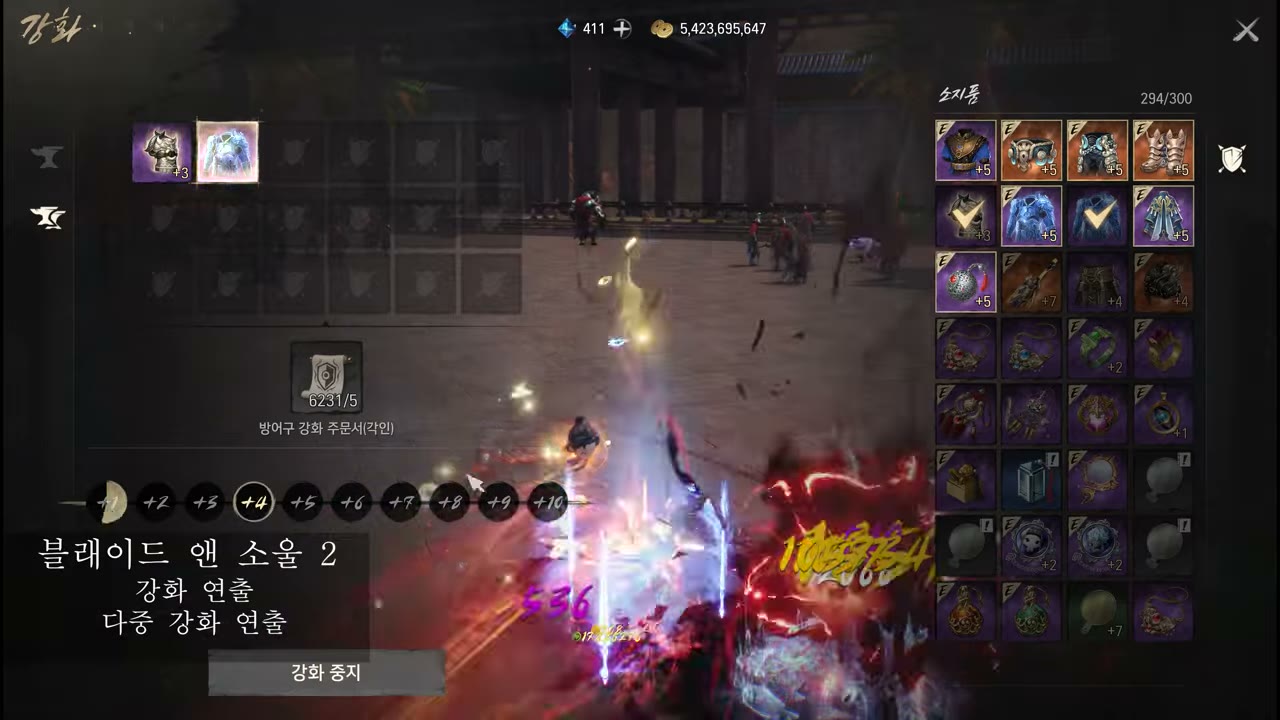
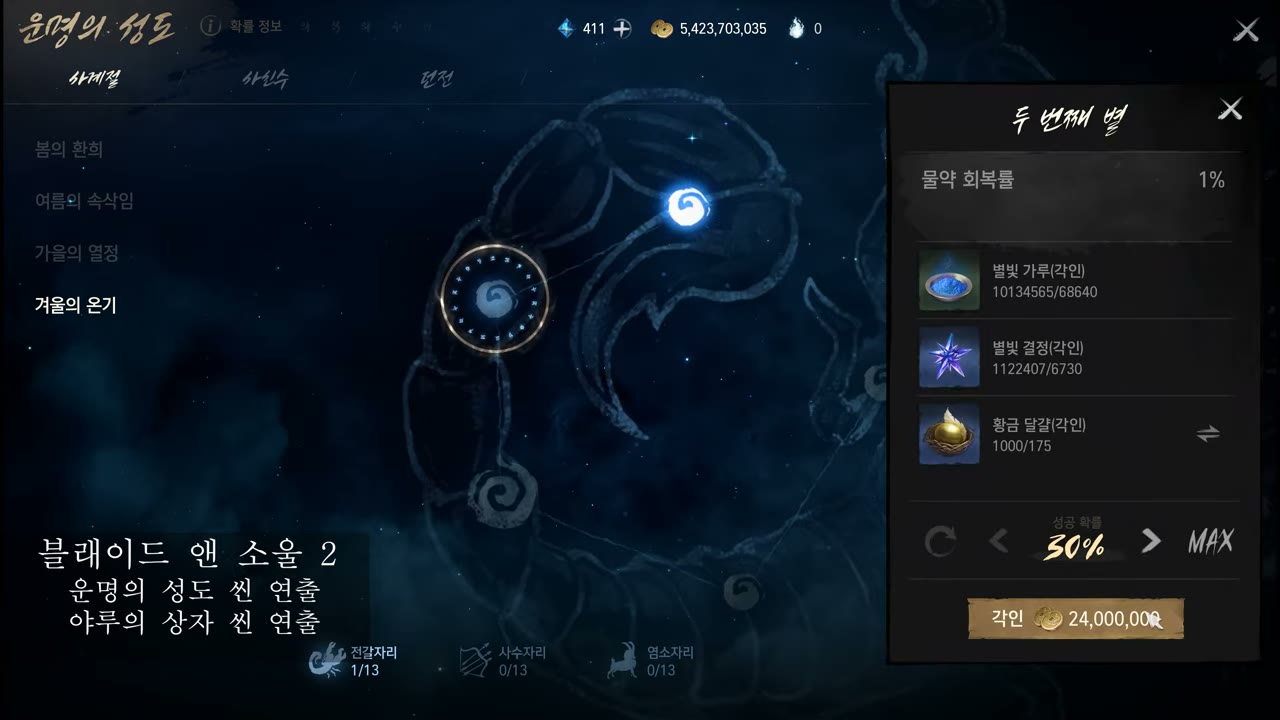
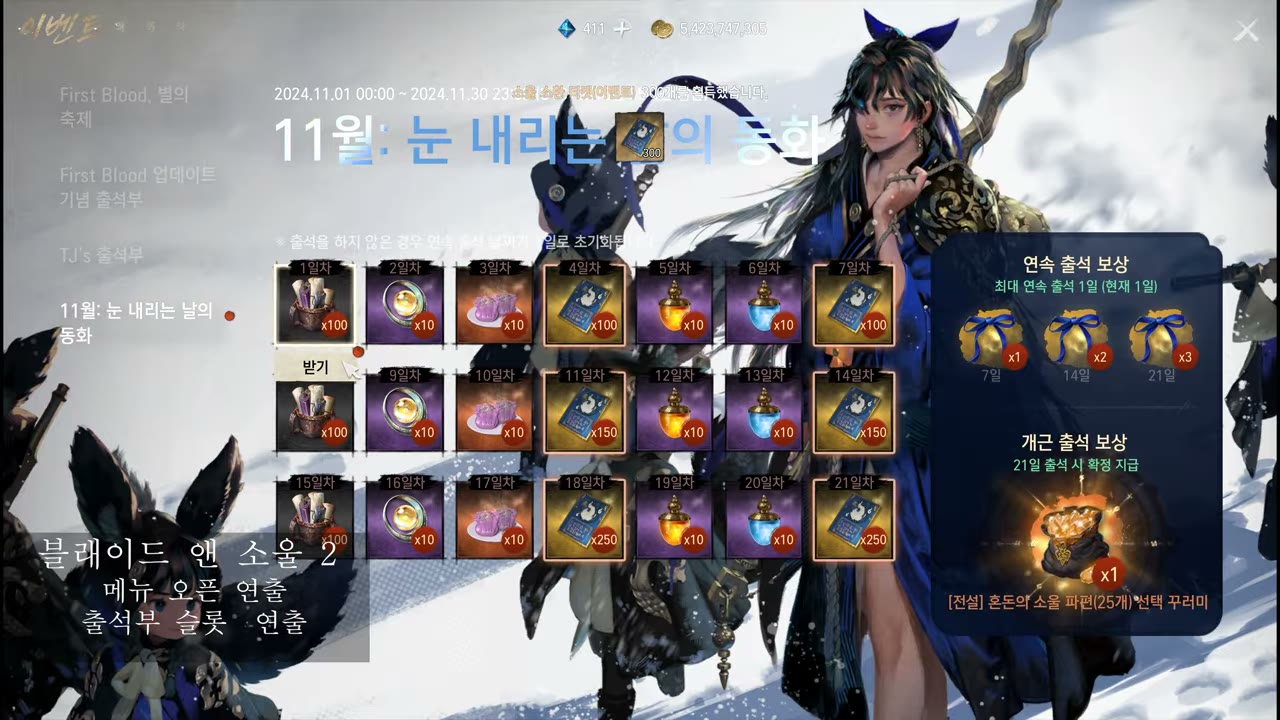
  • Unreal UMG live UI — Blade & Soul 2 · BnS NEO · Lineage W/2M · Battle Crush (enhance · menu · scene)
  • UIParticle(uGUI) — currency fly/collect motion, solving masking/sorting issues
  • DOTween + After Effects motion-graphics; UI-only custom shaders (Grayscale, RGBMask Dissolve)
  • CSS/web HUD motion — HP-bar transitions, level-up card direction (HTML5 games)

UI + VFX + Technical Art — one designer

THE FULL VISUAL STACK

My real differentiator is range — I don’t just spec the screen: I animate the motion, author the shaders & VFX, and build it in-engine. The rare designer who covers UI, motion and technical art in one pair of hands.

  • In-engine front-end — Unreal UMG & HTML5/CSS; I hand off a running screen, not a flat
  • VFX & shader authoring — Niagara/Cascade skill FX, custom UI shaders, Master Material → Instance systems
  • Real-time UI motion — the polish that makes the interaction feel right (and verifiably so on this page)
LIVE AAA UI — UNREAL ENGINE · UMG

Live AAA UI/UX — shipped, multiplatform, in-engine

All AAA live-service on Unreal Engine. The core is UMG UI design & direction — I built the enhance, menu and HUD screens on Blade & Soul 2 · BnS NEO · Lineage W/2M · Battle Crush. Seven Knights 2 was a VFX (skill-direction) contribution, included to show real-time combat direction that ties directly to in-match HUD readability. Every capture below is from my own showreels; use the button on each card to watch the full video. Across these titles the UX craft is the same: a clear information hierarchy, readability under heavy combat FX, and console gamepad-focus & title-safe layouts on the titles that shipped to console.

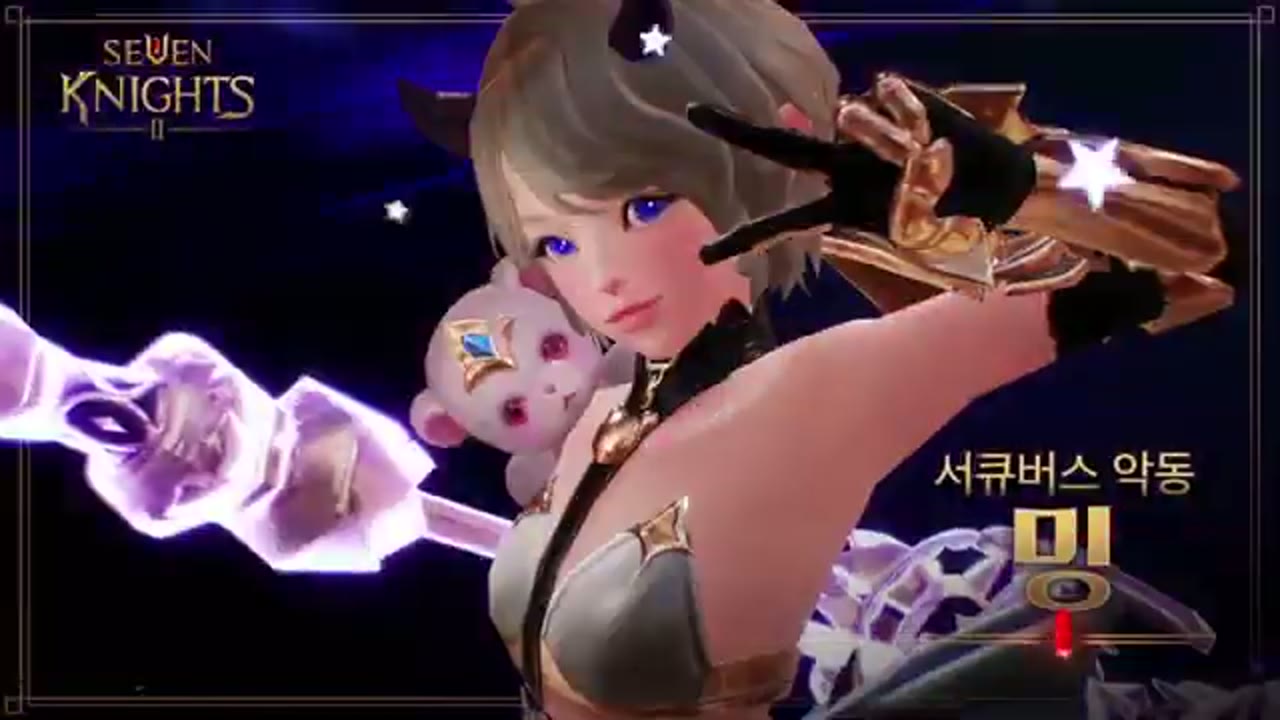
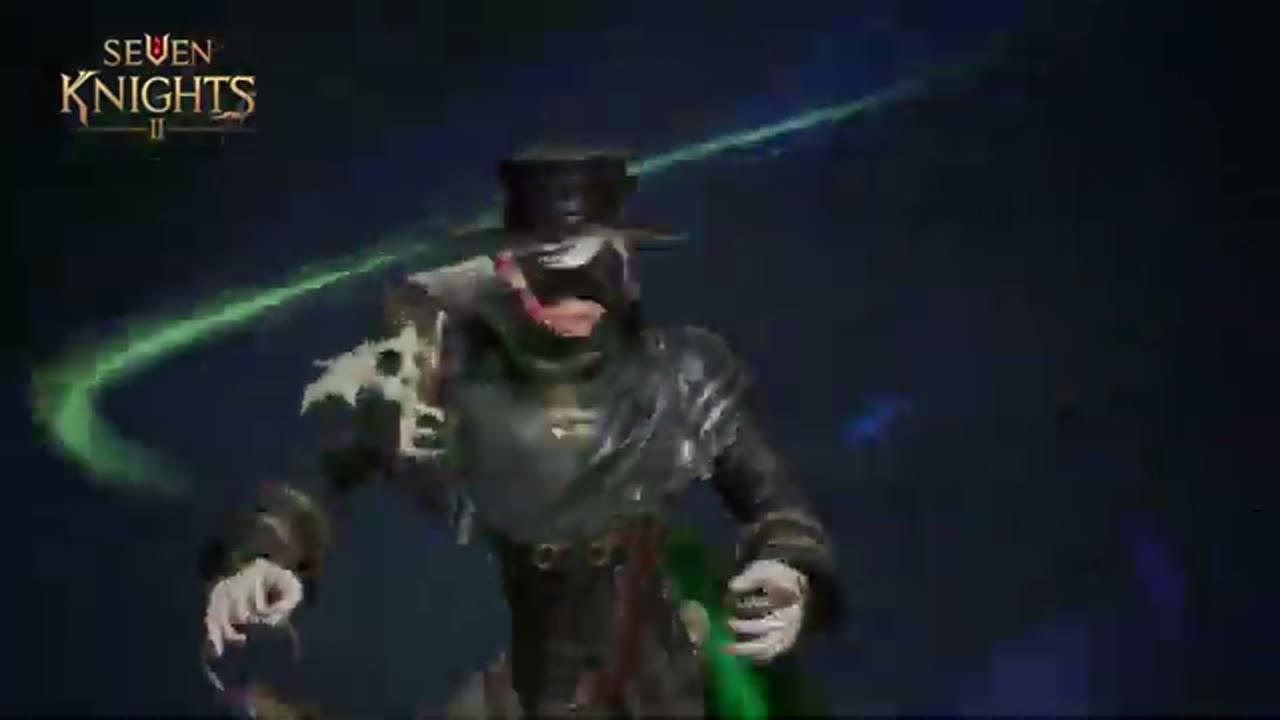
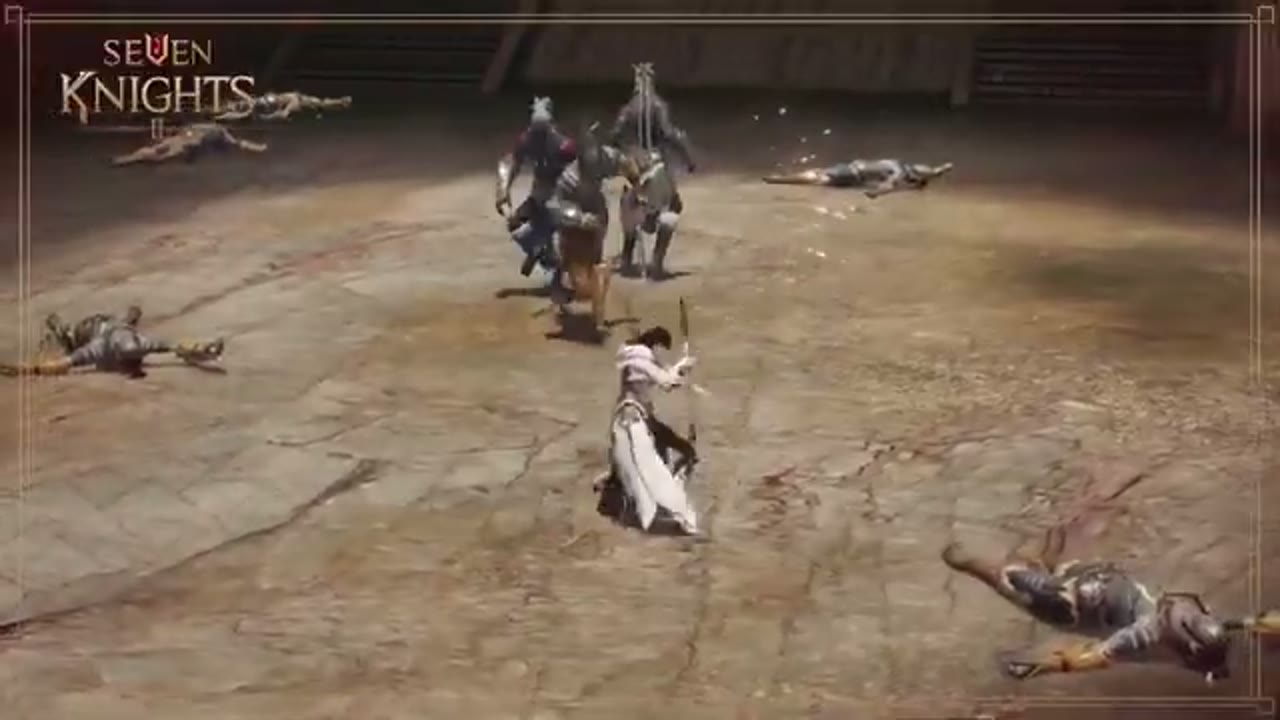
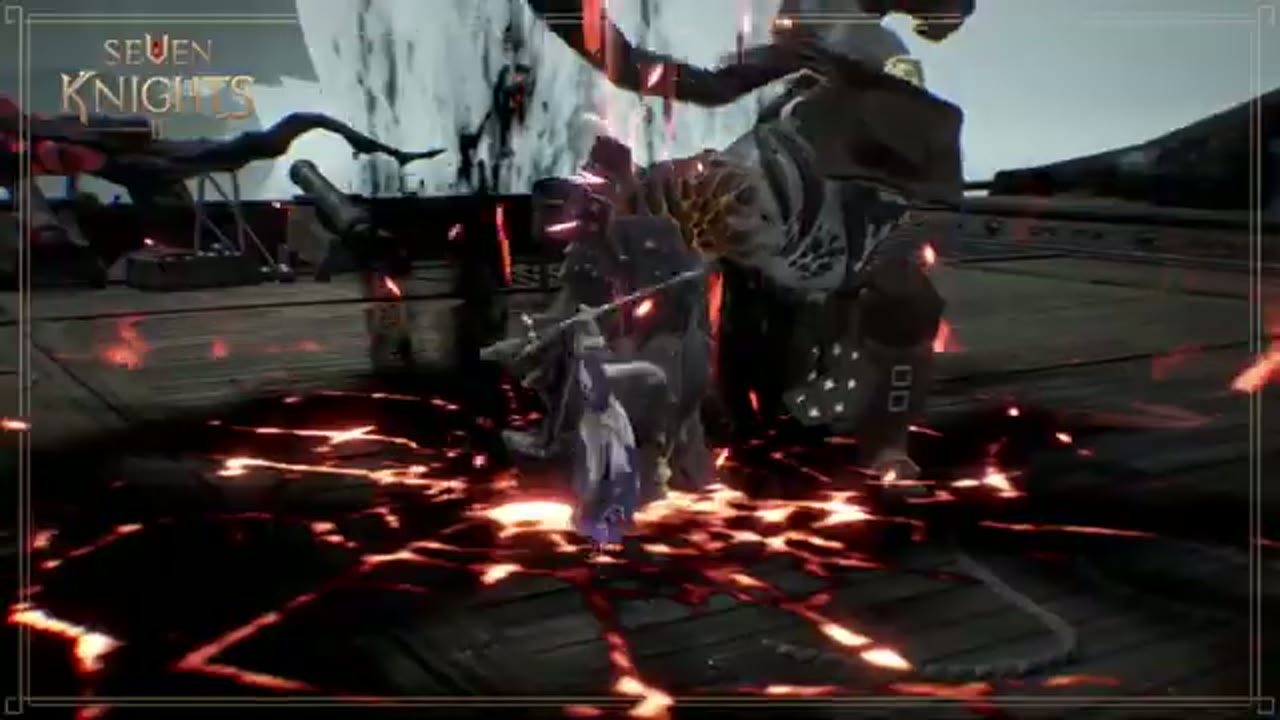
Seven Knights 2 · VFX contribution
UNREAL ENGINE · skill direction · Sequencer cinematics — real-time combat direction tied to in-match HUD readability
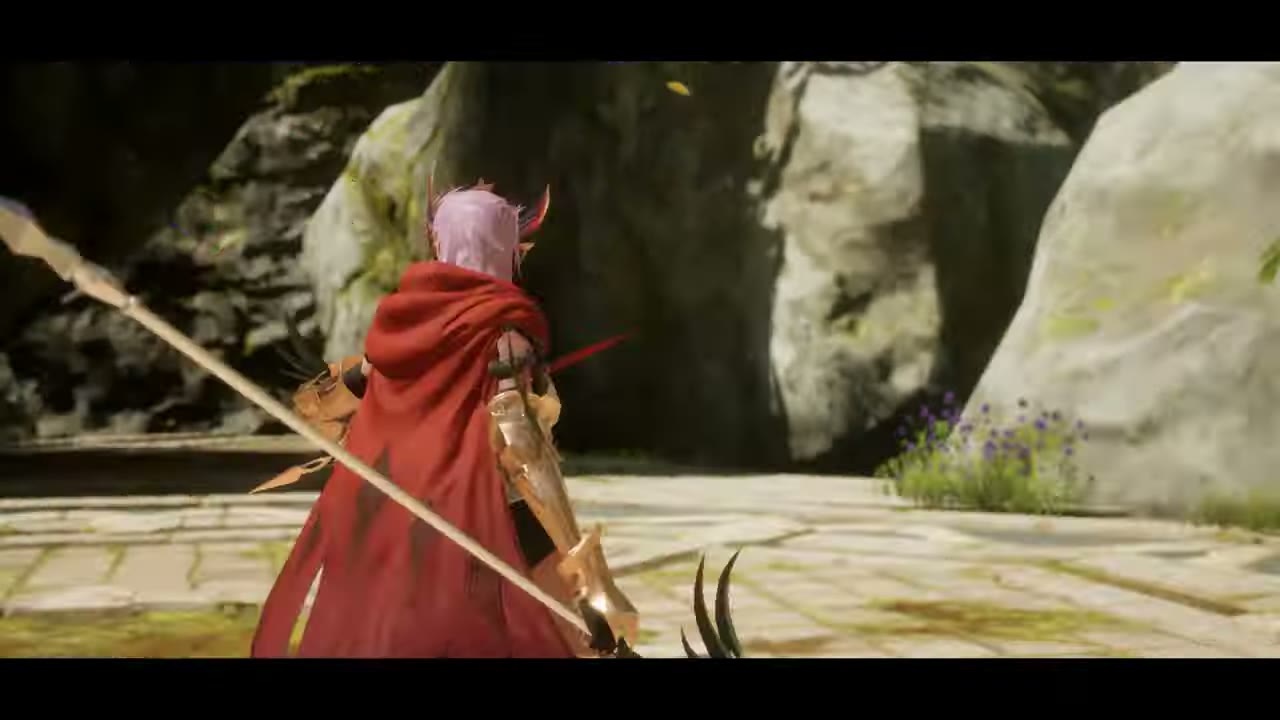
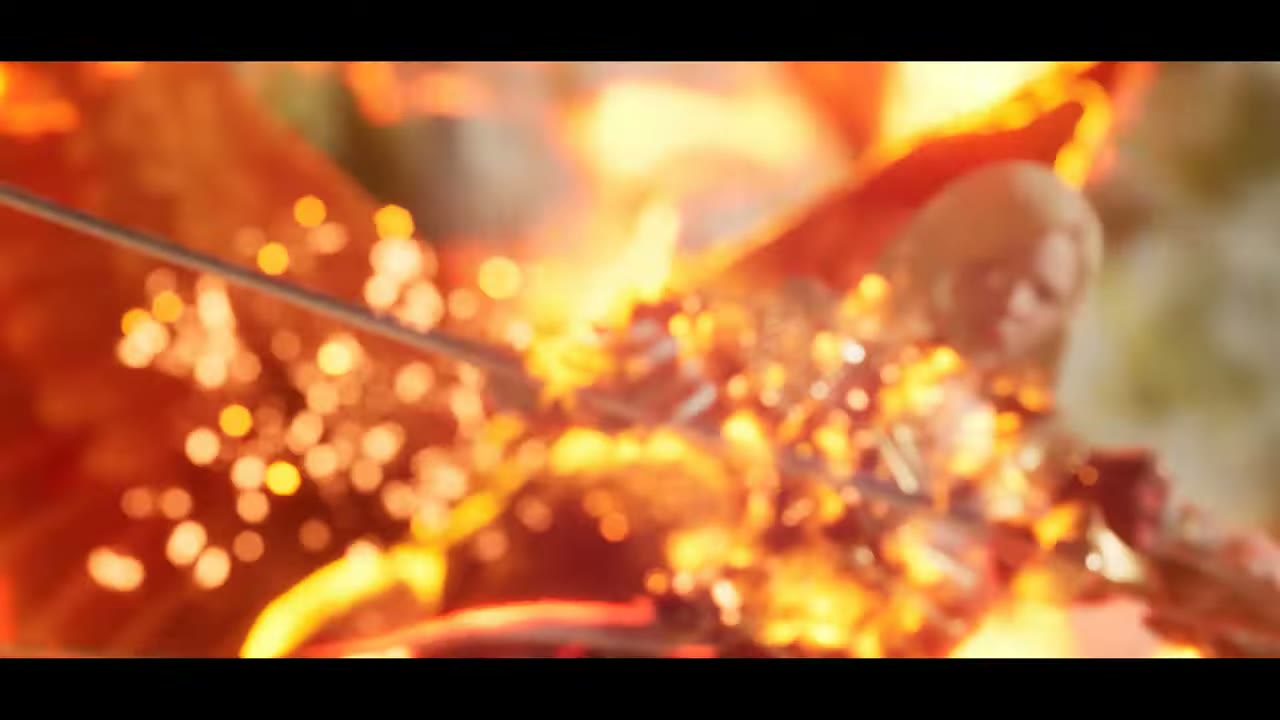
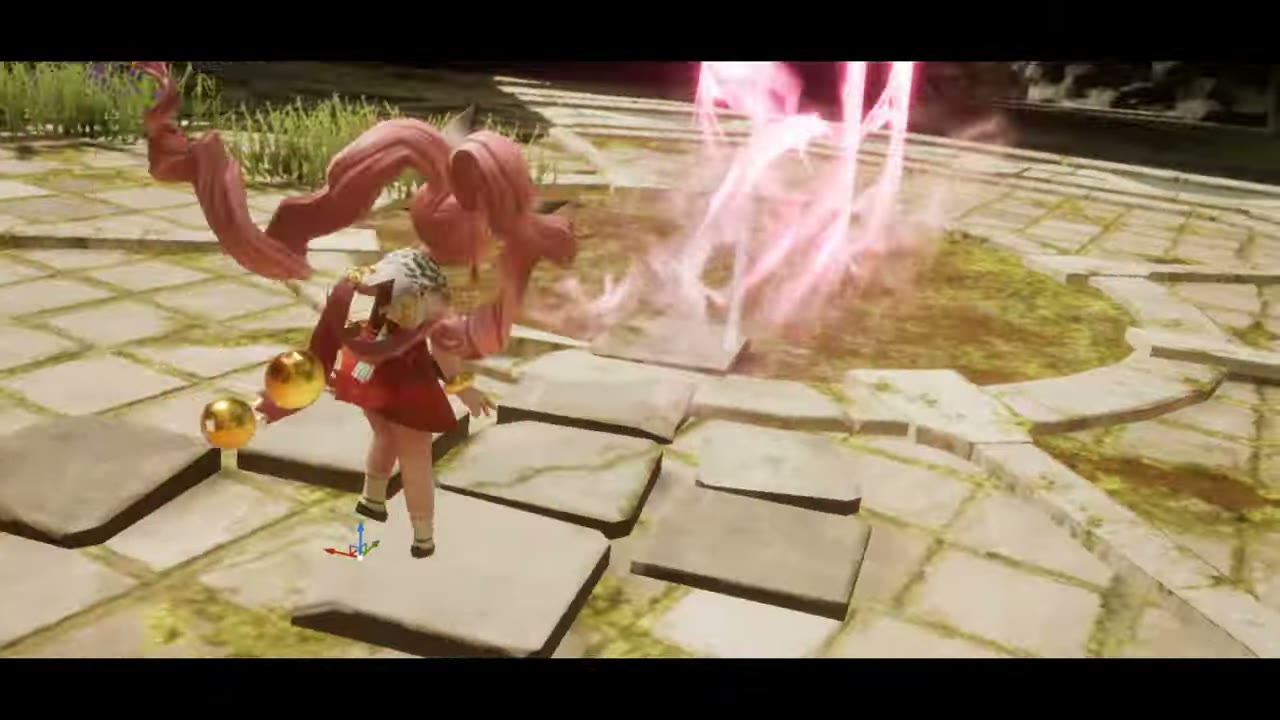
CASTSeven Knights 2 skill cast phase
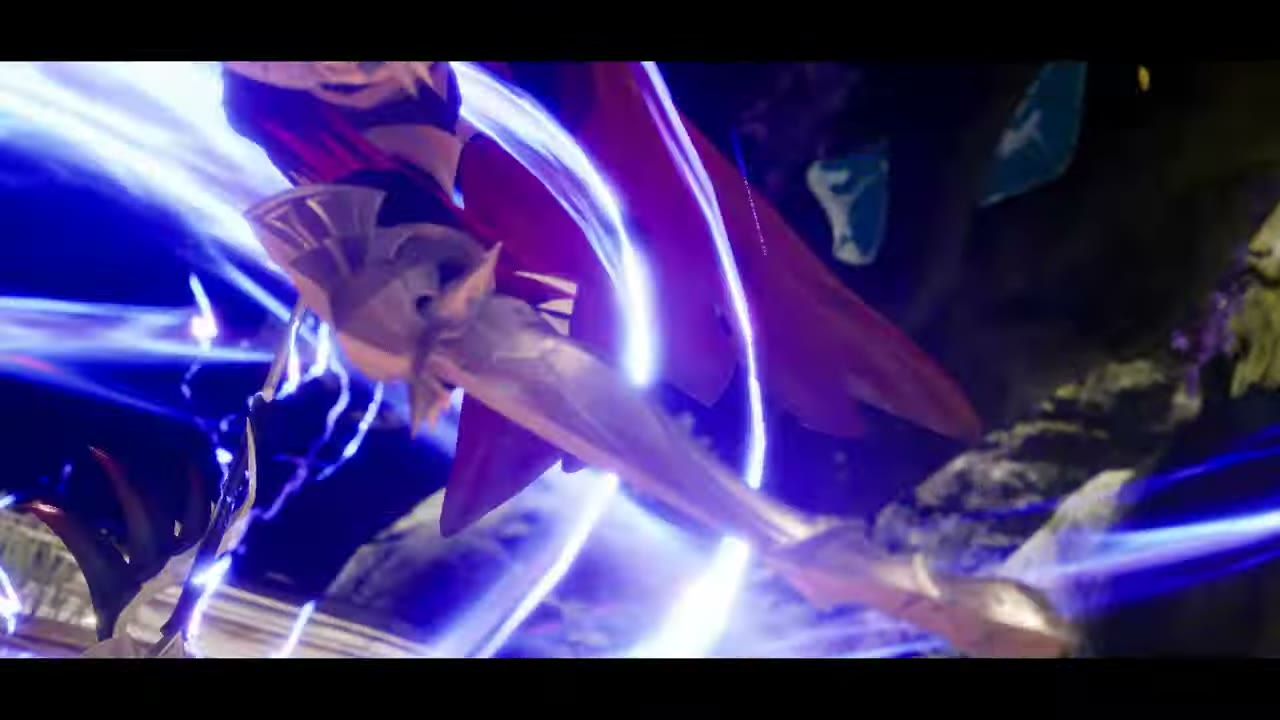
IMPACTSeven Knights 2 skill impact phase
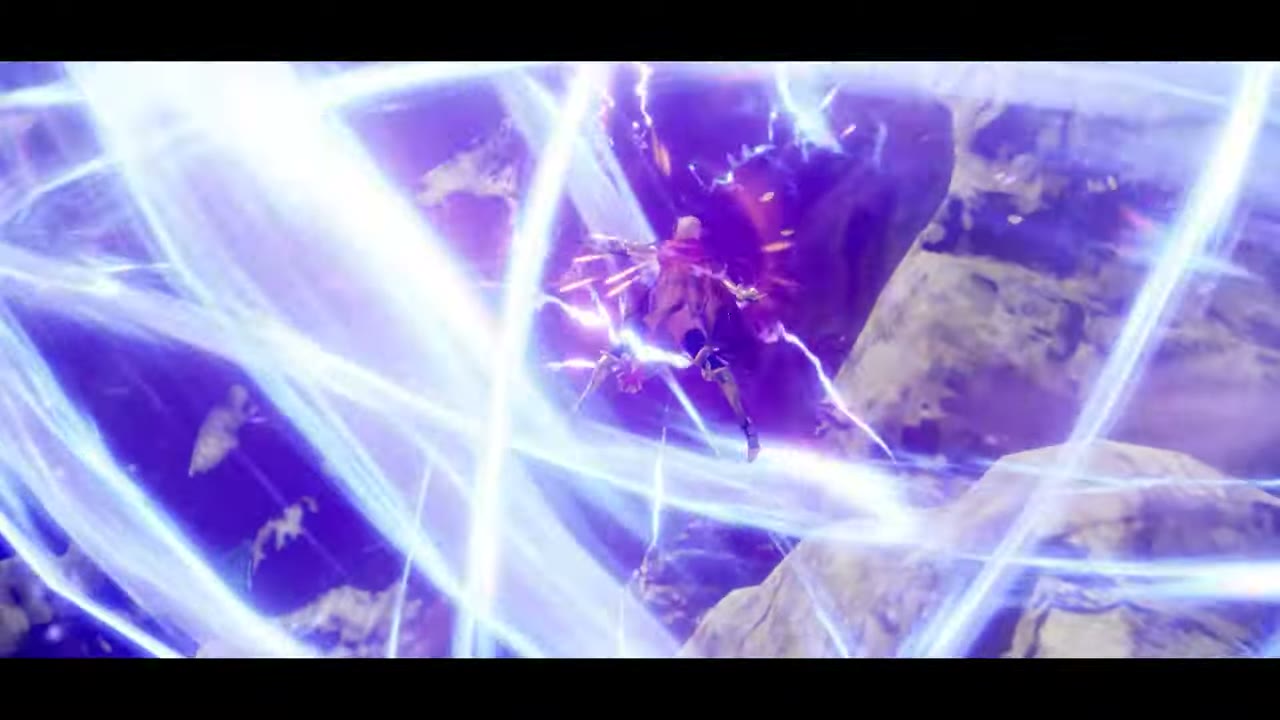
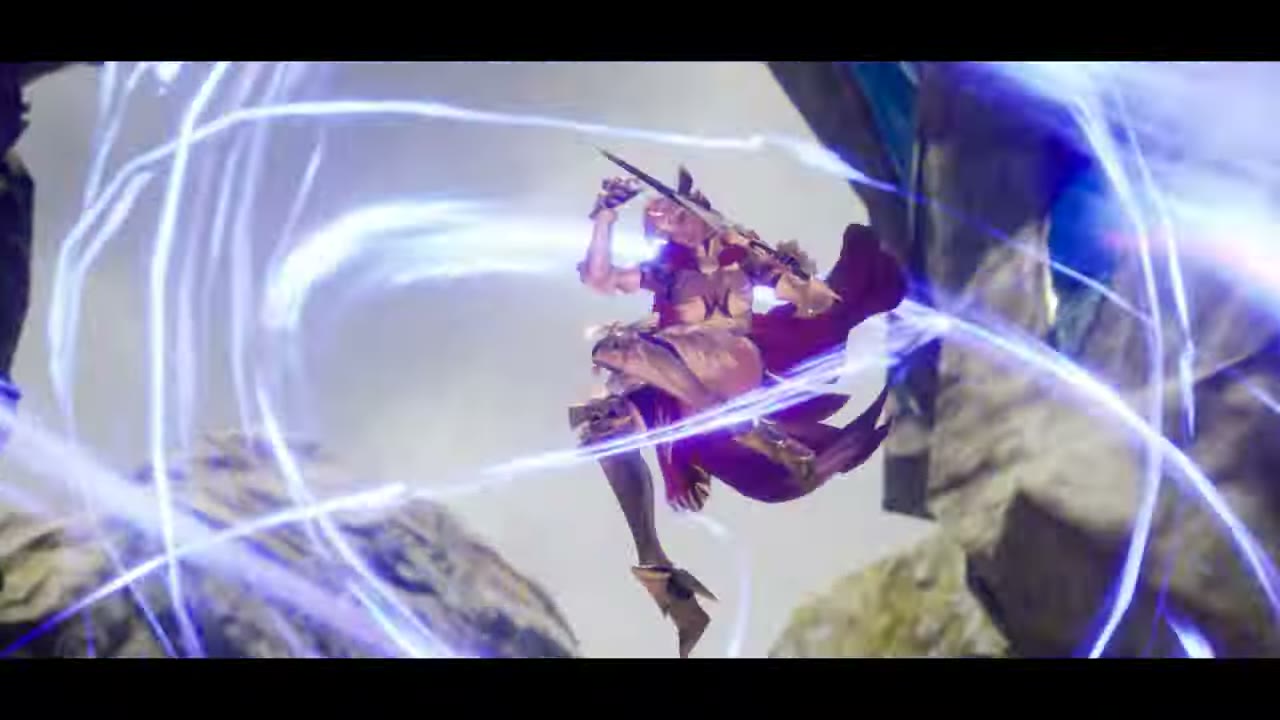
AFTERGLOWSeven Knights 2 skill afterglow phase
Live skill FX — real motion loops (key frames in PDF)
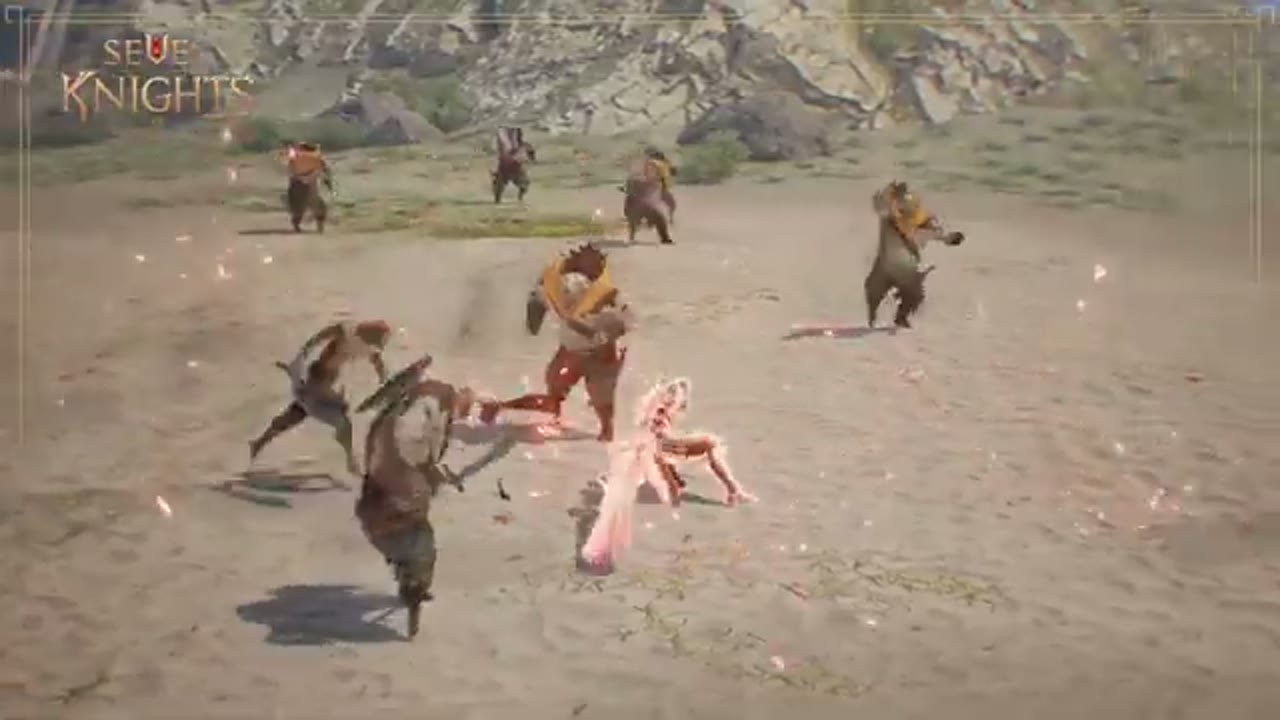
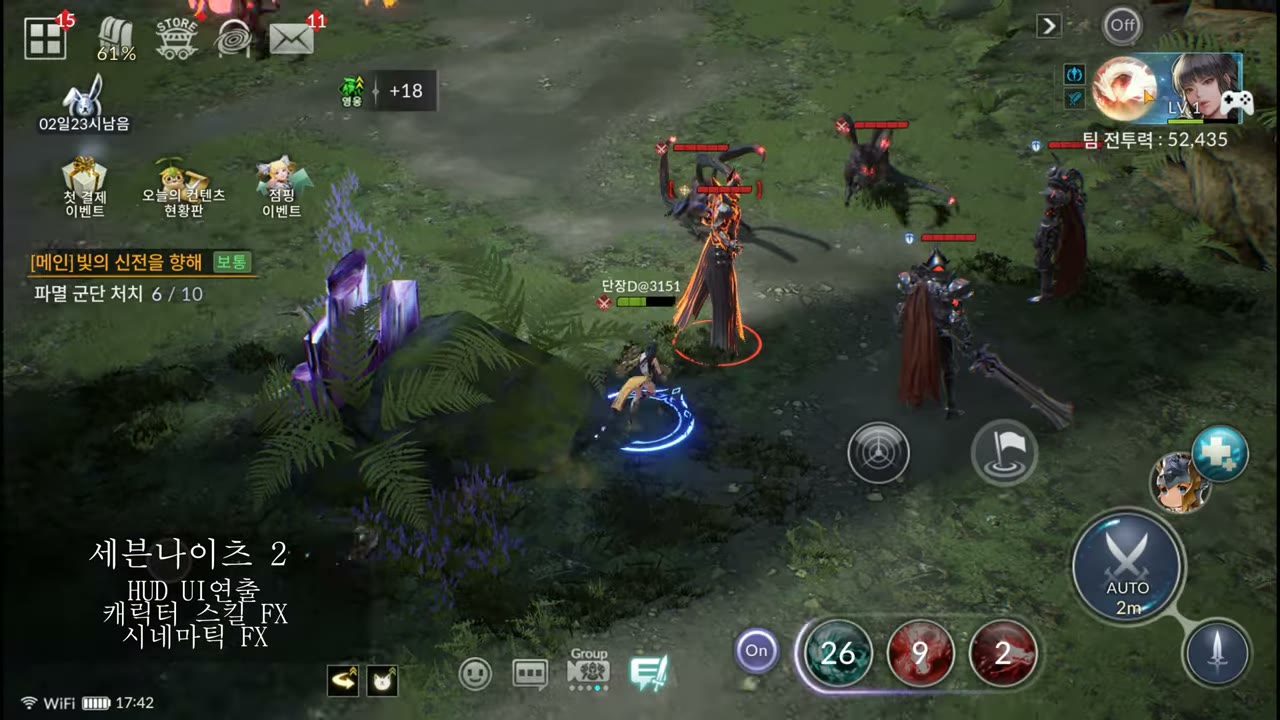
Seven Knights 2 in-game HUD UI direction
In-game — HUD UI direction · in-combat skill FX (readability in chaos)
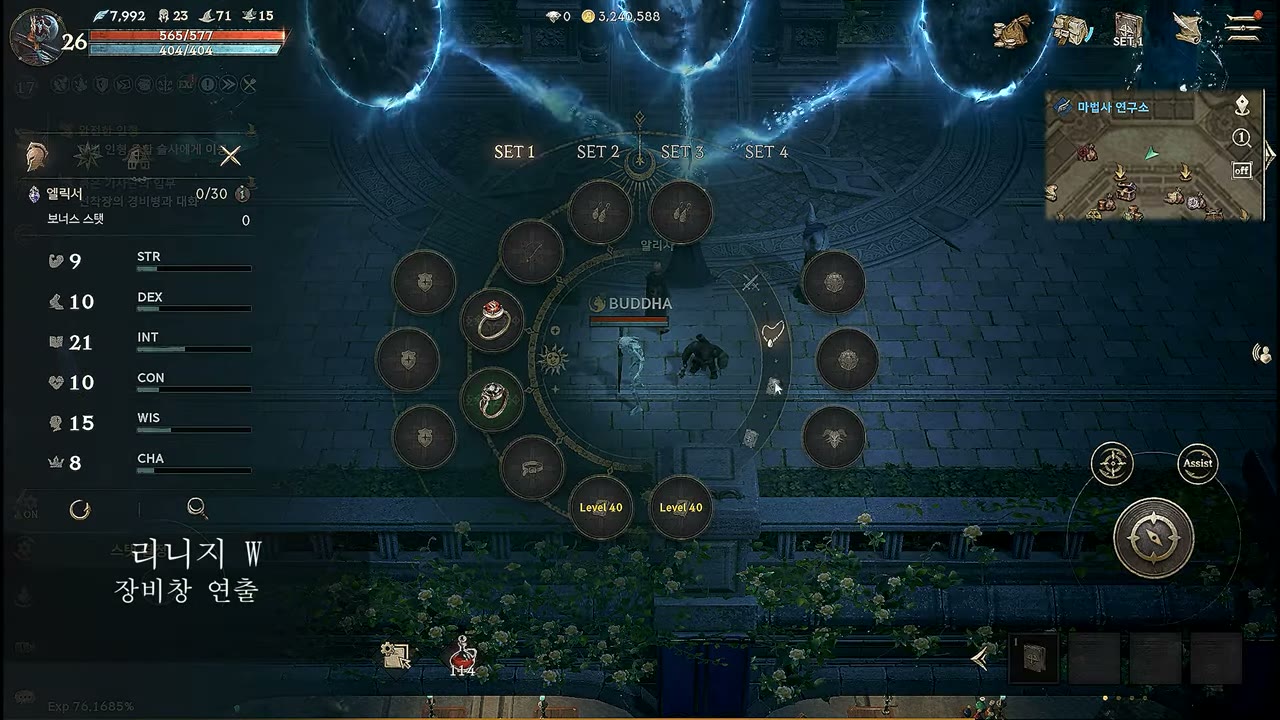
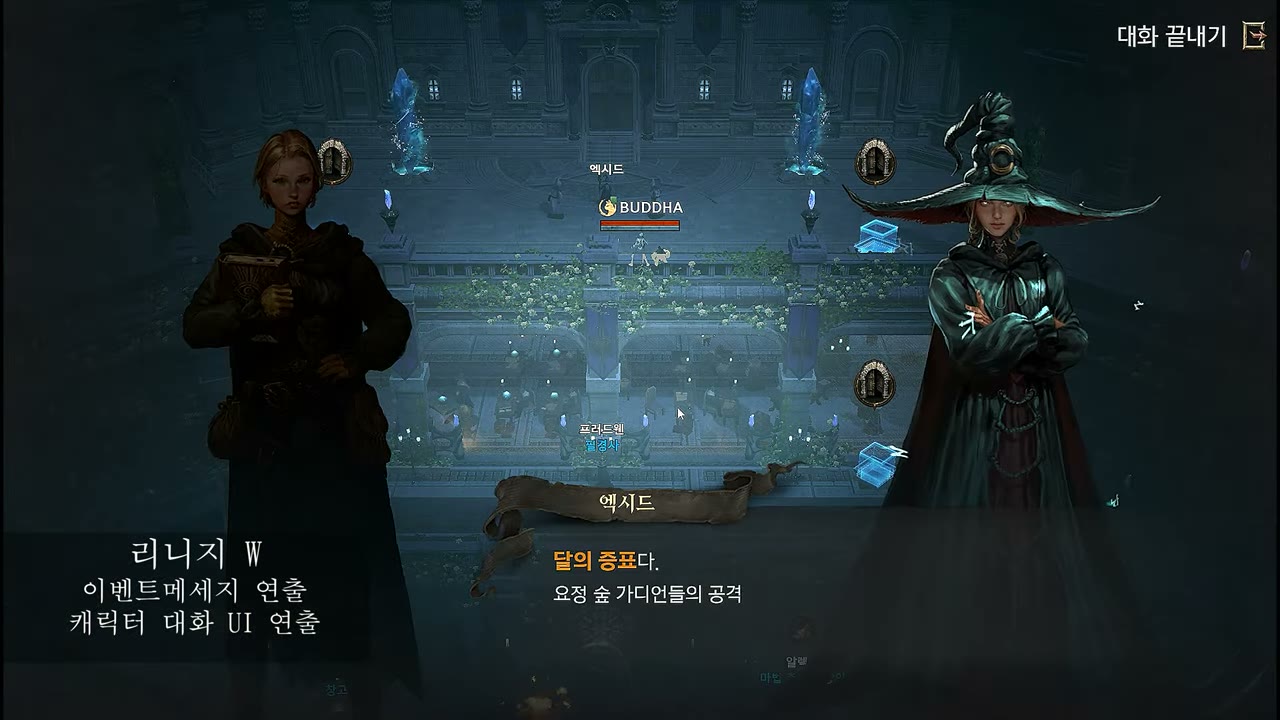
Lineage W
UNREAL ENGINE · UMG — gear window · event messages · dialogue UI
Lineage W gear-window motion — set-gear wheelLIVE
Gear window — circular slot-wheel reveal
Lineage W character dialogue UI motionLIVE
Event message · character dialogue UI motion
  • Weight born from restraint — minimal metallic motion over a dark tone, keeping focus steady even at high information density
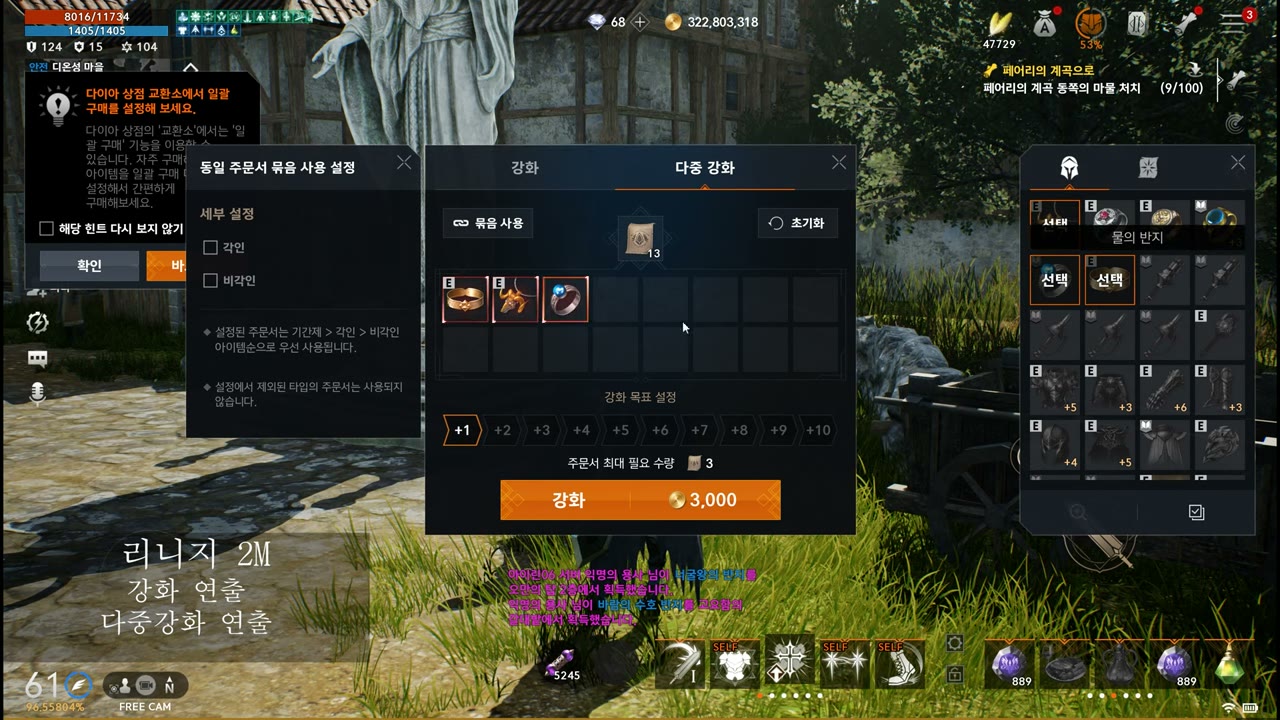
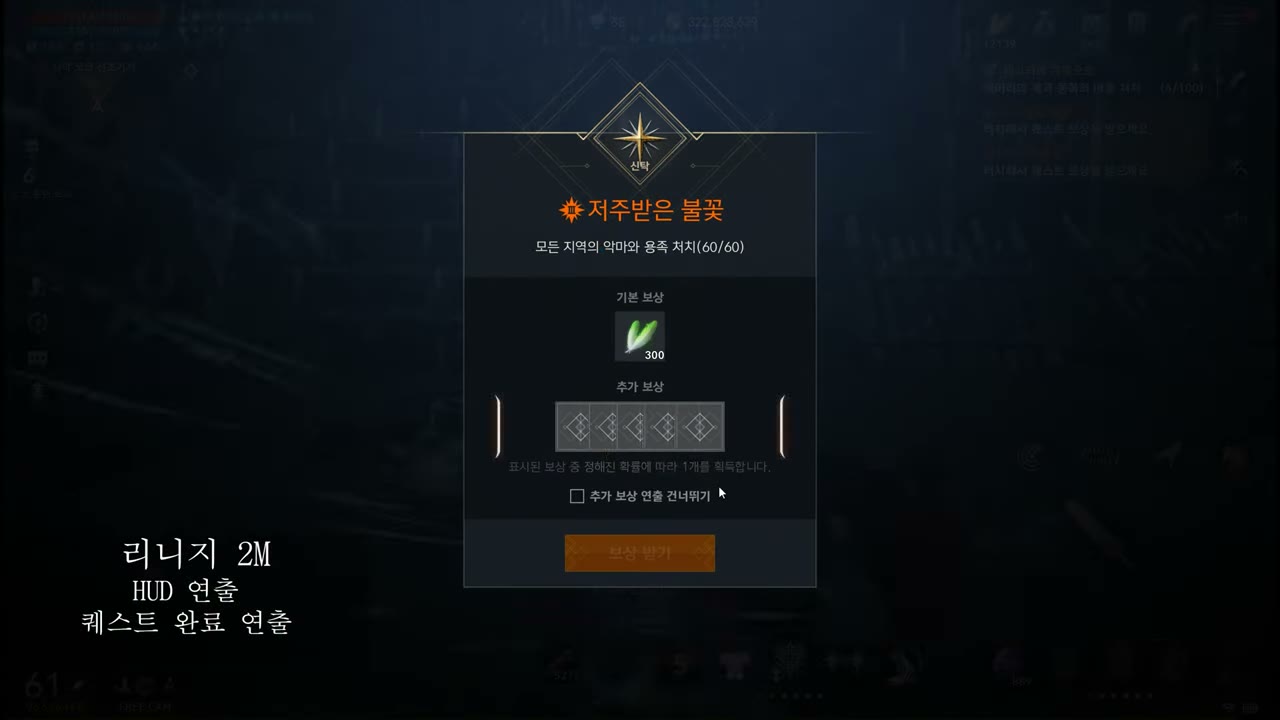
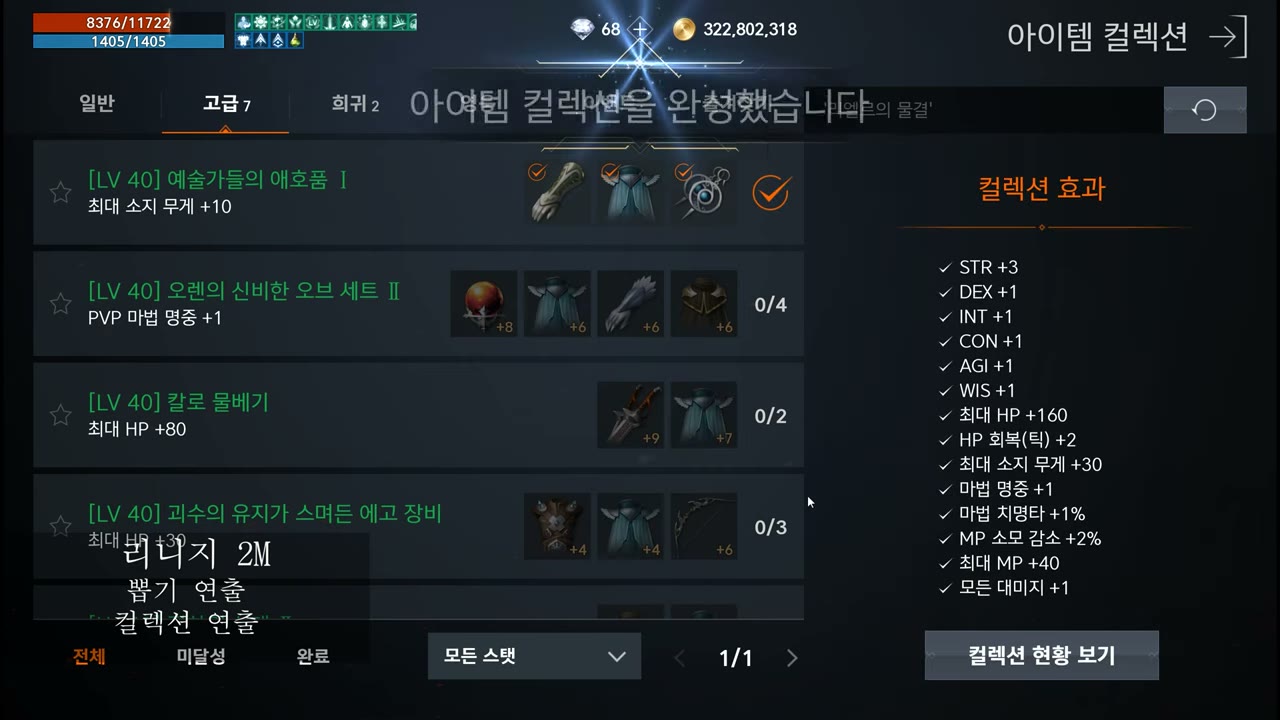
Lineage 2M
UNREAL ENGINE · UMG — enhance · HUD · gacha · collection
Lineage 2M enhance & multi-enhance motionLIVE
Enhance · multi-enhance UI motion
Lineage 2M HUD & quest-complete motionLIVE
HUD motion · quest-complete reward popup
Lineage 2M gacha & collection motionLIVE
Gacha · collection-complete motion
BnS NEO · Battle Crush
UNREAL ENGINE · UMG — inventory · stat slots · main menu · tutorial
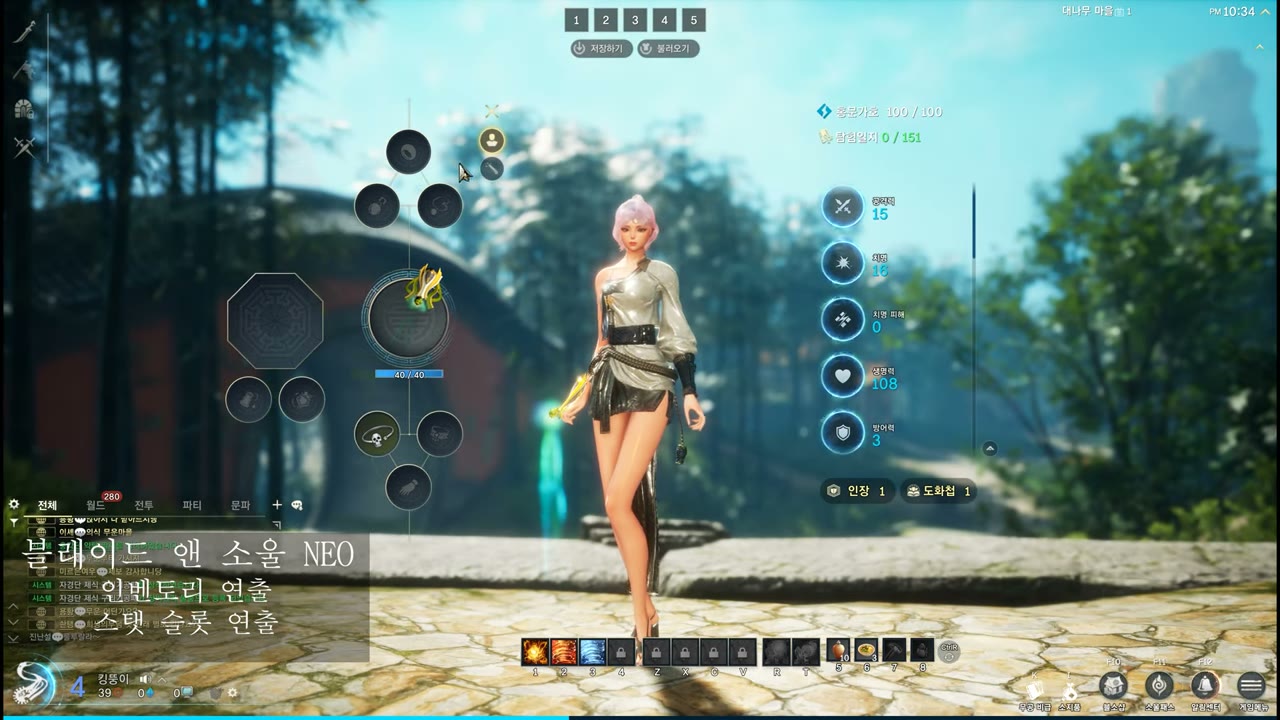
Blade & Soul NEO inventory motionLIVE
BnS NEO — inventory & stat-slot motion
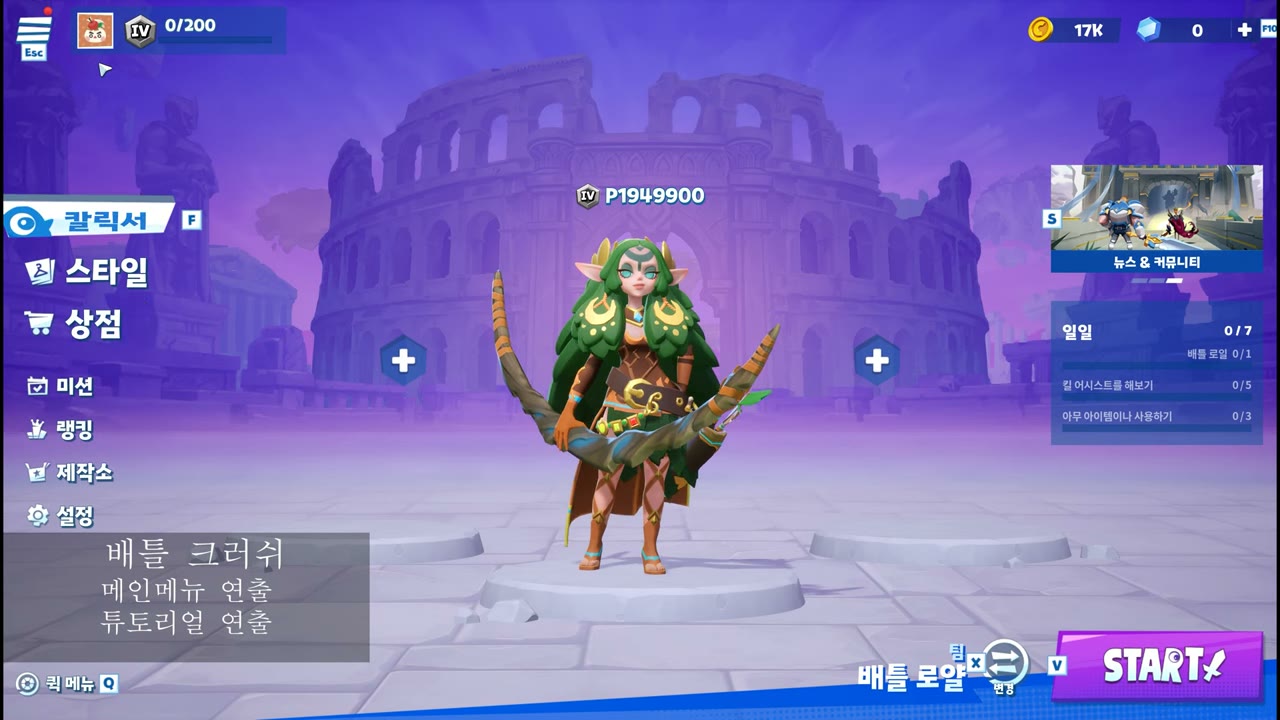
Battle Crush main-menu motionLIVE
Battle Crush — main menu & hero idle motion
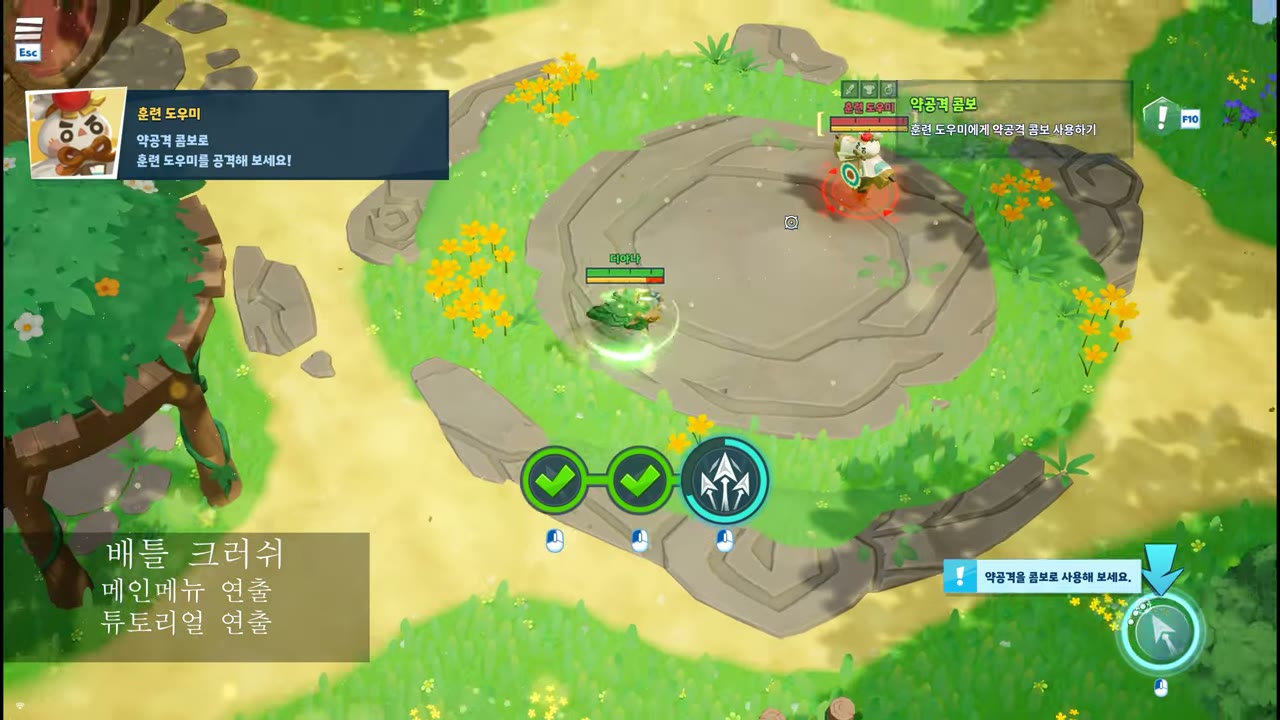
Battle Crush tutorial-map motionLIVE
Battle Crush — tutorial guide UI motion
  • A spectrum of tones — from dark MMO tones to pop casual, switching the motion language to fit each IP
PROJECT 01

Blood Invasion

Role — VFX systems · UI particle motion · custom shaders · TA across the board Unity 6 · URP 17 2D tower defense · mobile

A vampire-themed mobile tower defense. Varying a single “blood” theme across 122 VFX prefabs and 60+ shader graphs without losing readability was the challenge. Hit effects for 9 enemy types (assassin, hunter, lancer, priest, witch, etc.) were systematized by an element system, and the core reward loop (collect blood orb → upgrade altar) was directed by connecting world → UI seamlessly with UIParticle.

🩸Element-based VFX architecture

VFX.Hit.* 50+ variants run per enemy type while materials/textures combine from a shared pool. Status effects (burn/freeze/shock) are split into VFX.Status* families so they can stack visually.

🌀8 custom URP shaders

RadialShockwave (shockwave distortion), VerticalPannerWithSideFade (blood pillar), URPStylizedLava, and UI-side RGBMask Dissolve — what shader graph can’t do is written directly in HLSL.

UIParticle reward motion — operating 366 UI prefabs

mob-sakai ParticleEffectForUGUI based. Shared/Prefabs/UI 366 prefabs (buttons, gauges, badges, currency motion) run under one system; I solved Canvas sorting/masking conflicts in the currency-fly motion and synced a gauge punch-scale to the collect timing.

RadialShockwave.shader — polar-coordinate shockwave ring (URP HLSL, hand-written)
// Use particle vertex-color alpha as “time” → drive ring expansion
// from Color-over-Lifetime alone, with no material duplication
float waveRadius = input.color.a;

// Polar sampling: distort radius per angle to make an “organic” ring
float2 polarUV = float2(dist, normalizedAngle) * _MainTex_ST.xy + _MainTex_ST.zw;
float radiusDistortion = (tex.r - 0.5) * _Distortion;
float distToWave = abs(dist - (waveRadius + radiusDistortion));

// ring width + front/back edge fade + circular mask
float ringMask = 1.0 - smoothstep(0.0, _Width, distToWave);
float waveMask = ringMask * frontSoftness * backSoftness * circleMask;

In-game captures — combat VFX real in-game effects captured by my own batch recorder

UI motion — currency collect / feedback loop UIParticle family playing on a uGUI canvas

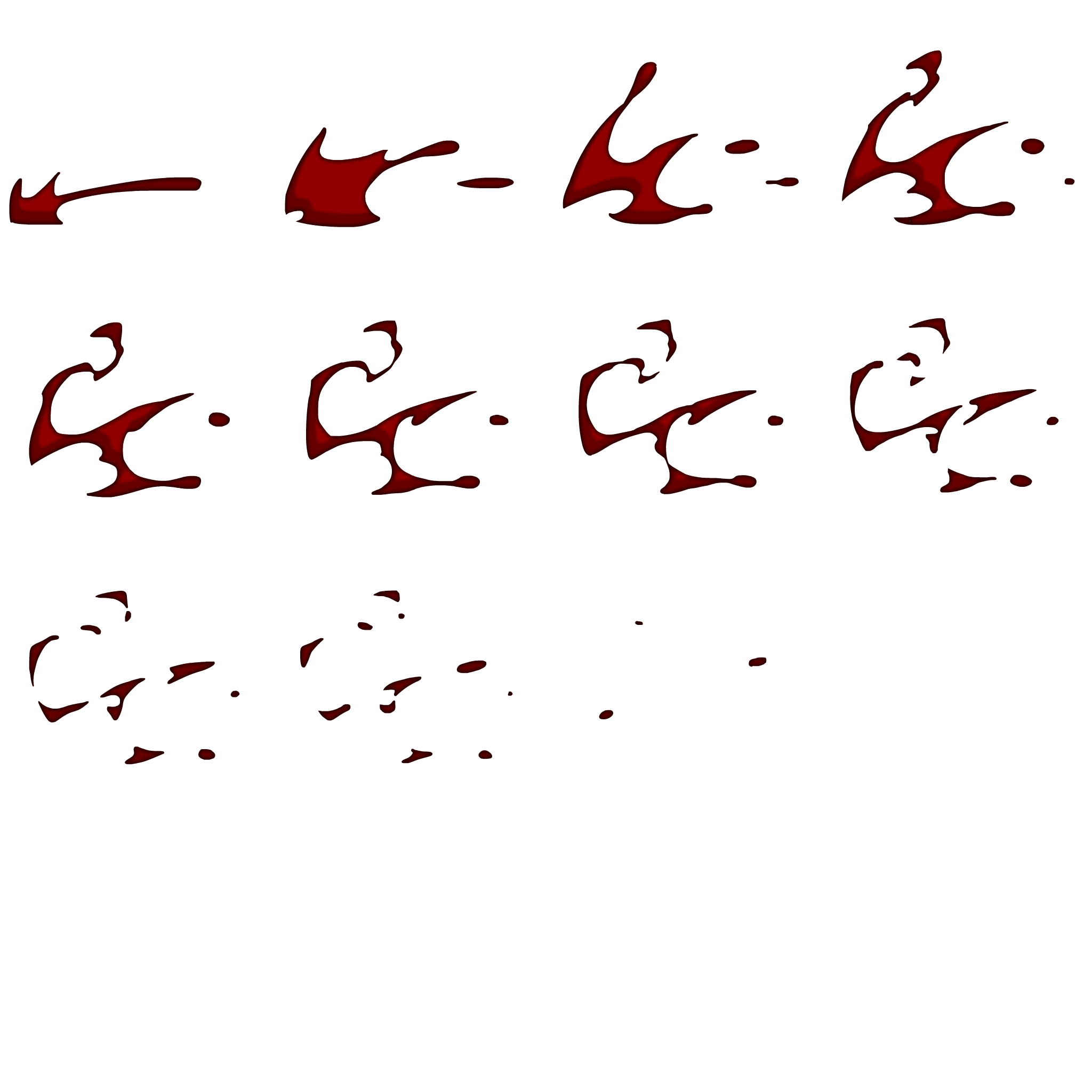
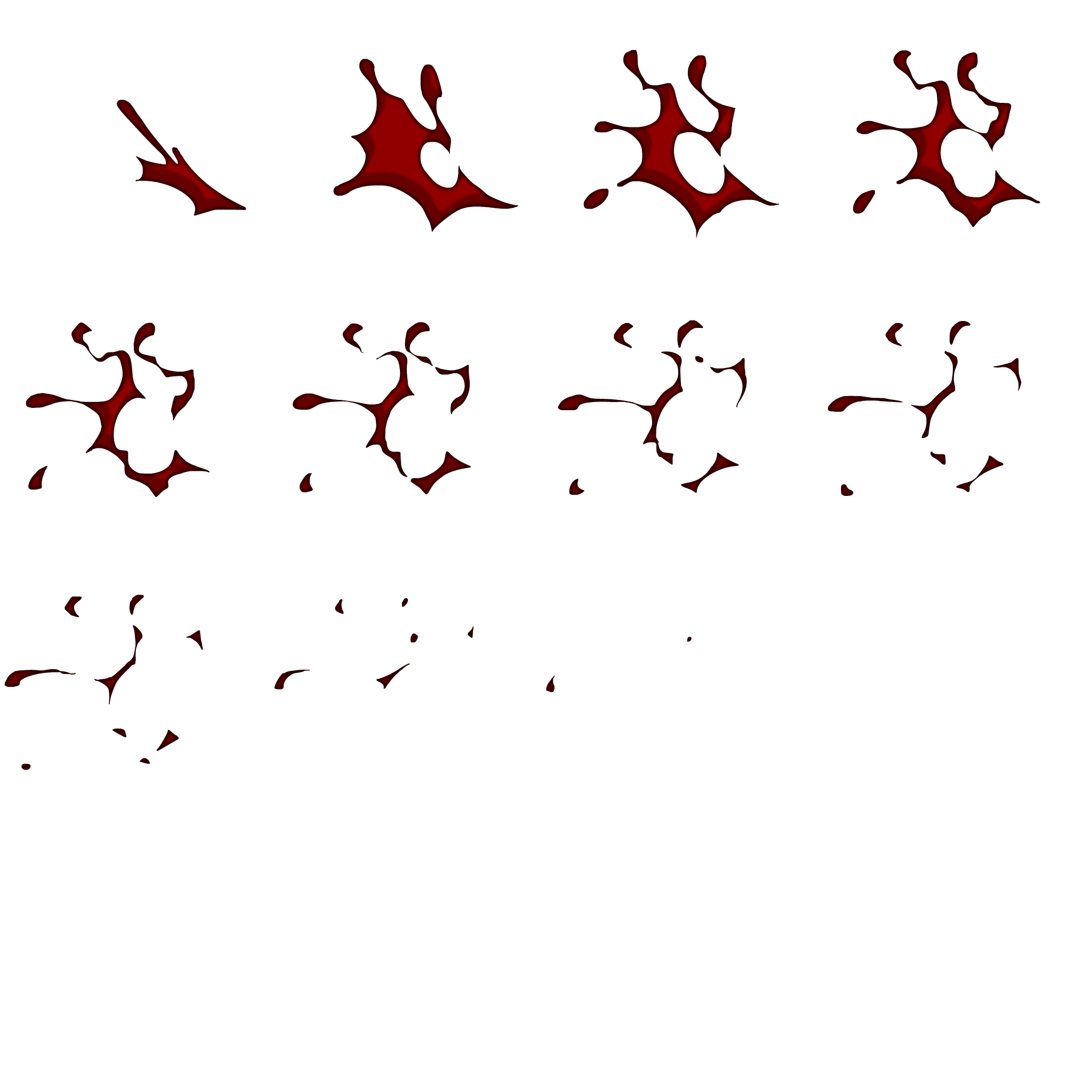
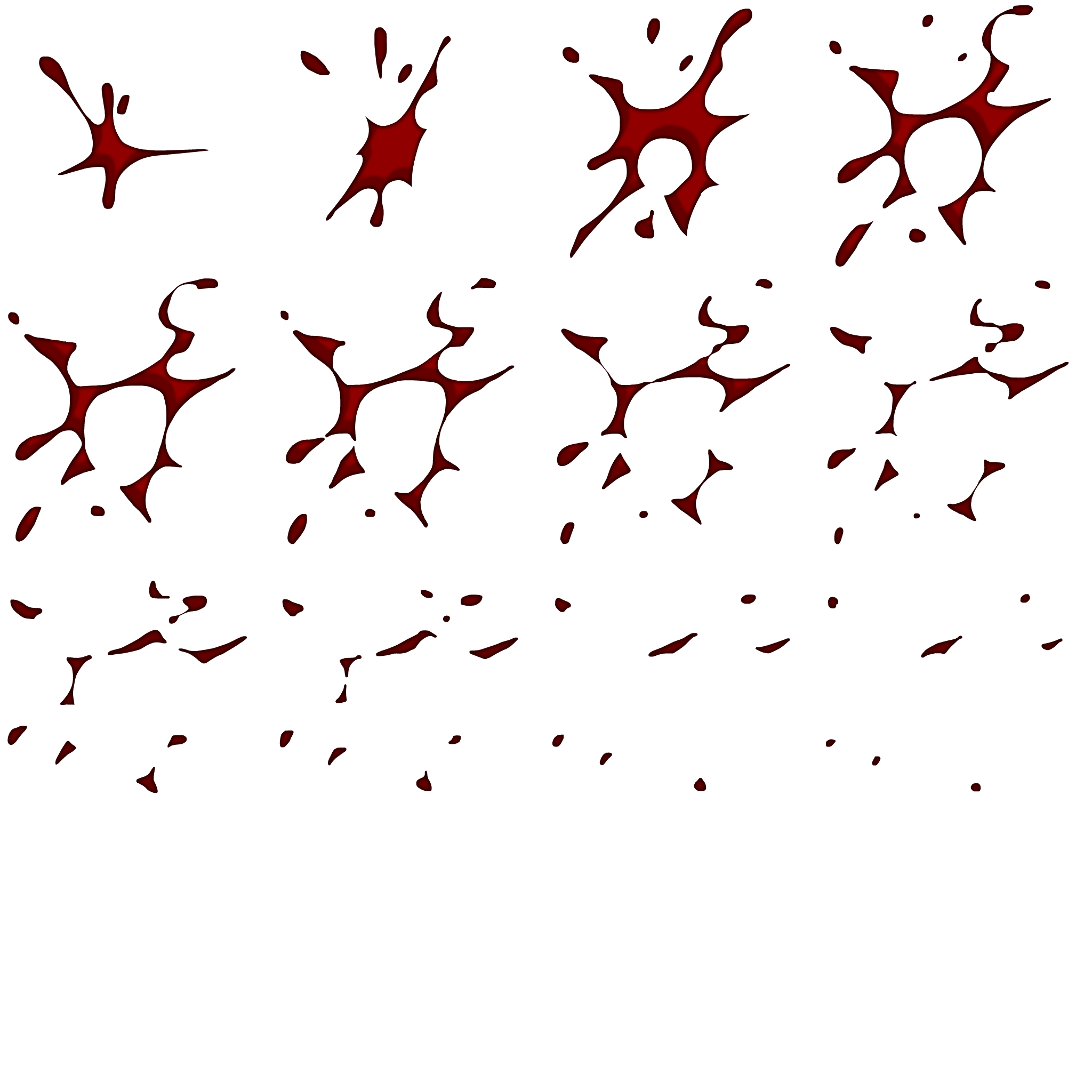
Flipbook texture atlas the raw material of effects — sheet layouts shown too

Blood splash sprite sheet
Blood_splash_03 — 2048² atlas
Blood splash sprite sheet
Blood_splash_05 — 2048² atlas
Blood splash sprite sheet
Blood_splash_08 — 2048² atlas
PROJECT 02

K2 — Block Puzzle

Role — game-feel FX · UI motion · editor tooling Unity · mobile puzzle live-service build

In casual puzzles, effects ARE game feel. From the short impact of a single match to the afterglow of reward motions like order-complete and season progress — all designed as feedback that tells the player “your finger was right”. Alongside the motion work, I owned the editor tooling that sped up art/design iteration.

Timing IS the design

A three-layer tempo: impact (~0.1s) → reward (0.3–0.4s) → mood loop (2s). Fast feedback short and strong, rewards with afterglow.

🧰Editor tooling environment

FlyEffectTestMenu (instant motion testing), TMPFontResamplerWindow (font resampling), StageEditor (level editing), AutoPlayEditor (autoplay verification) — tools that raise art/design iteration speed.

🚚Motion shipped in the live build

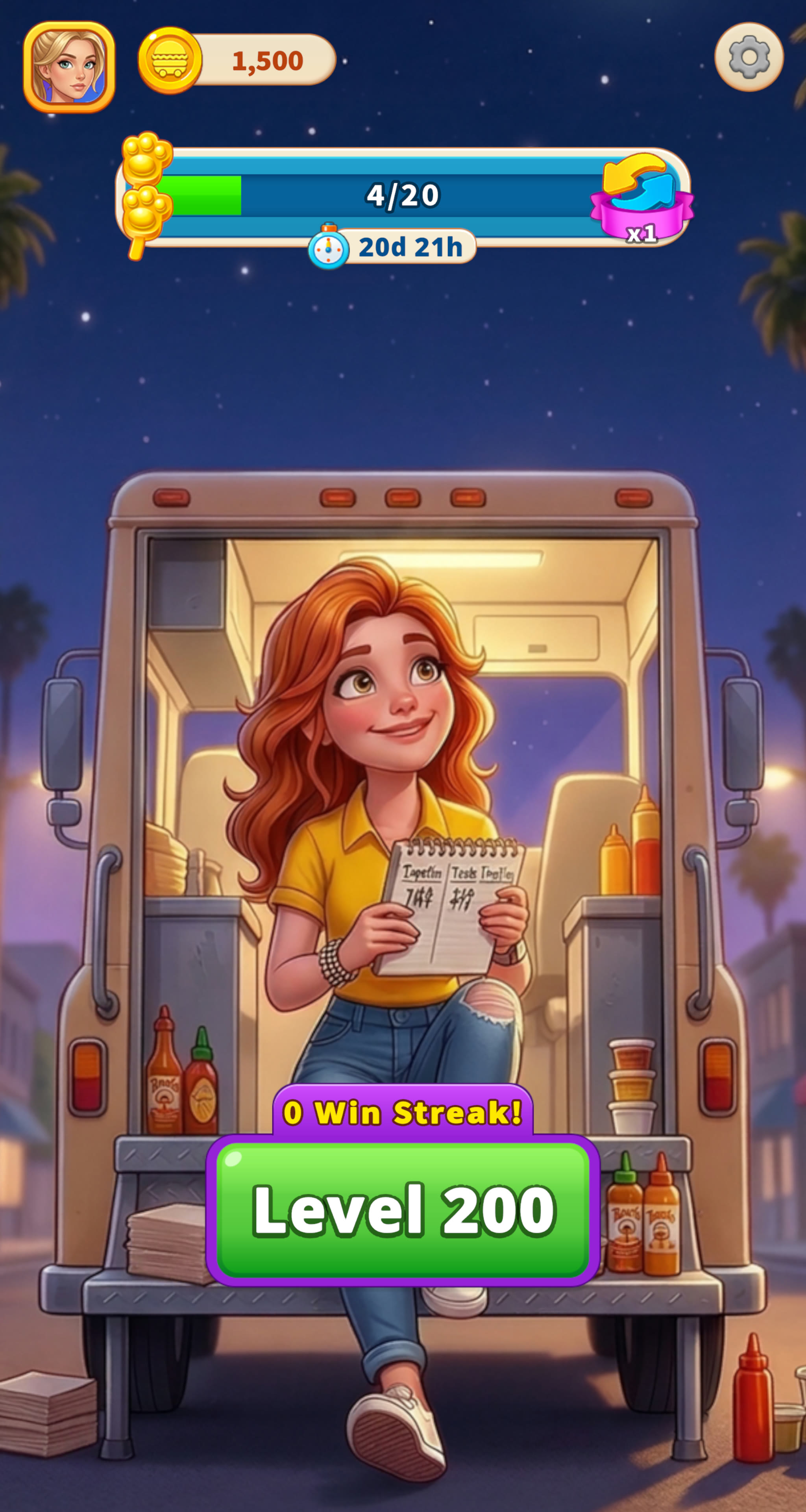
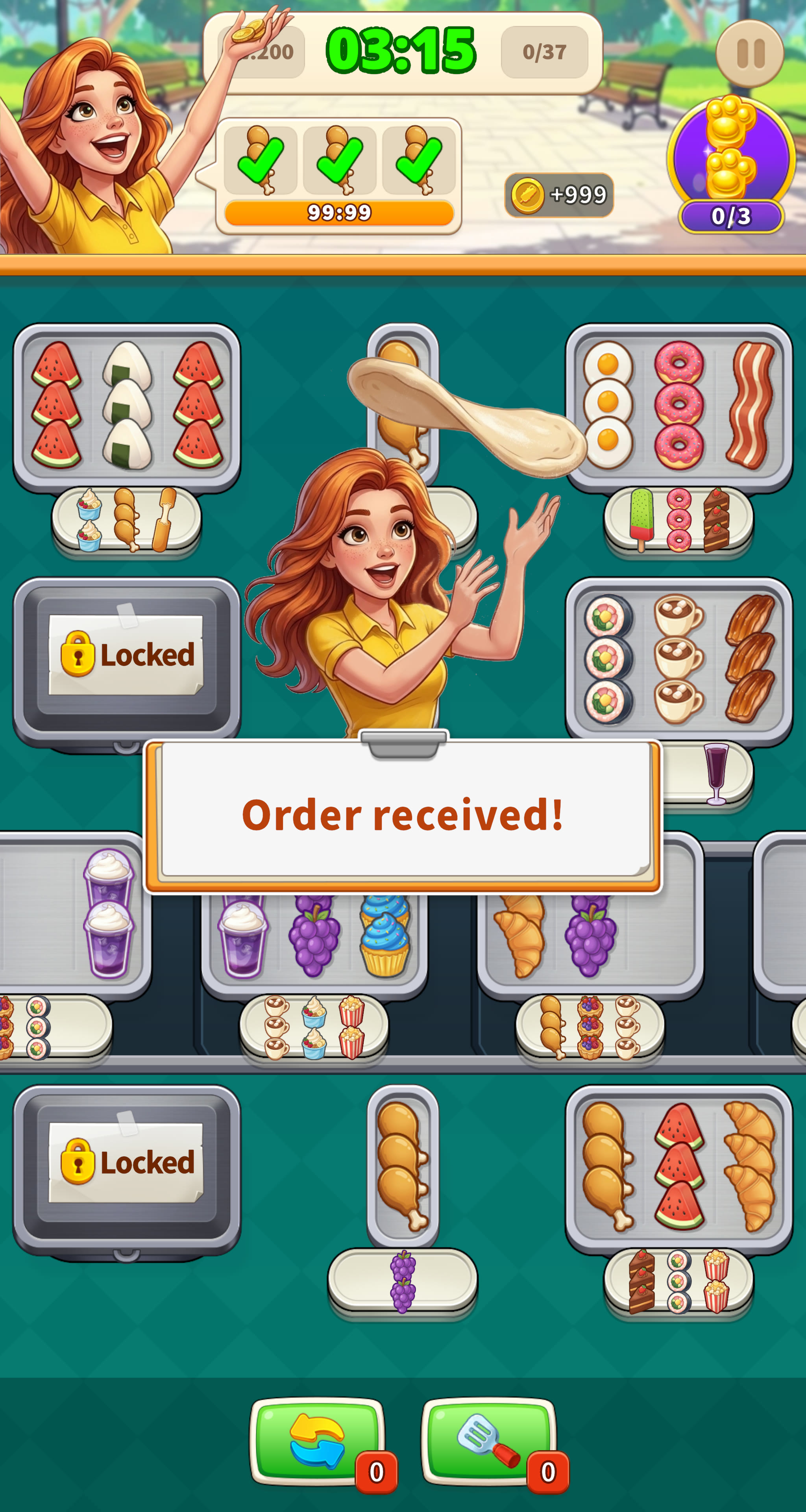
Season-progress HUD in the food-truck lobby, order-take/clear feedback on the order board — motion is verified in the live build, not a mockup.

Live build — in-game Unity production-build screenshots

K2 lobby — food-truck theme
Lobby — food-truck theme · season-progress HUD
K2 in-game — order-taking puzzle board
In-game — order board · clear-feedback motion
PROJECT 03

WoolSaga

Solo project — design · art direction · shaders · VFX · UI (all of it) Unity 6 + PixiJS 8 dual build

A casual puzzle starring a yarn dragon. The same game was built two ways — Unity (native) and PixiJS (web) — and keeping the same visual identity across platforms was the core challenge. The Unity side got a custom shader for wool texture; the web side got 44-frame flipbook VFX.

🐑WoolFluff shader — “wool doesn’t work with PBR”

Standard Lit makes wool look like glossy plastic. Wrapped Lambert (soft light/shadow boundary) + Fresnel Rim (fluff light on the silhouette) + a matte finish express the fiber texture. Full URP support including ShadowCaster/DepthOnly passes.

💥Runtime particles — ExplosionFX

A two-layer particle (fluff puff + sparks) generated in code without prefabs. Color tint is linked to game logic (yarn color), handling 9 color variants with no extra assets.

🖥️Code-based HUD builder

HudController.cs — HP/yarn gauges, the puzzle grid, and win/lose modals all generated at runtime. Includes state motion like a wildcard pulse ring. A UI workflow with no prefab-merge conflicts.

WoolFluff.shader — core lighting (URP HLSL, hand-written)
// Wrapped Lambert — soften the light/shadow boundary, mimic light bleed inside fibers
float wrapped = saturate((NdotL + _Wrap) / (1.0 + _Wrap));

half3 diffuse = baseRGB * mainLight.color * (wrapped * shadow + _AmbientStrength);

// Fresnel rim — bright at the silhouette, falling off inward.
// Tint the rim with base color too, for a “wool holding light” feel.
float fresnel = pow(1.0 - saturate(dot(N, V)), _RimPower);
half3 rim = fresnel * _RimColor.rgb * _RimIntensity * baseRGB;

return half4(diffuse + rim, _BaseColor.a);

Flipbook VFX for the web build Frame sequences played in PixiJS — replayed here by the same engine

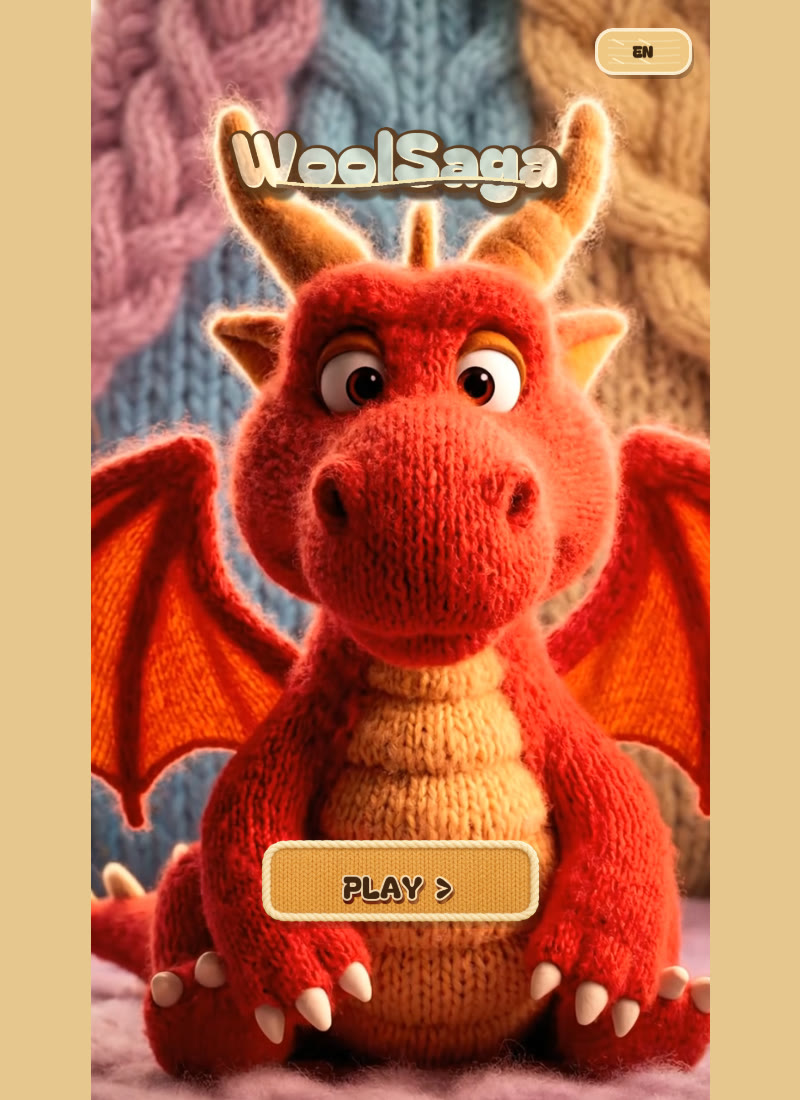
Real build — in-game PixiJS web-build screenshots

WoolSaga title screen
Title screen — wool dragon
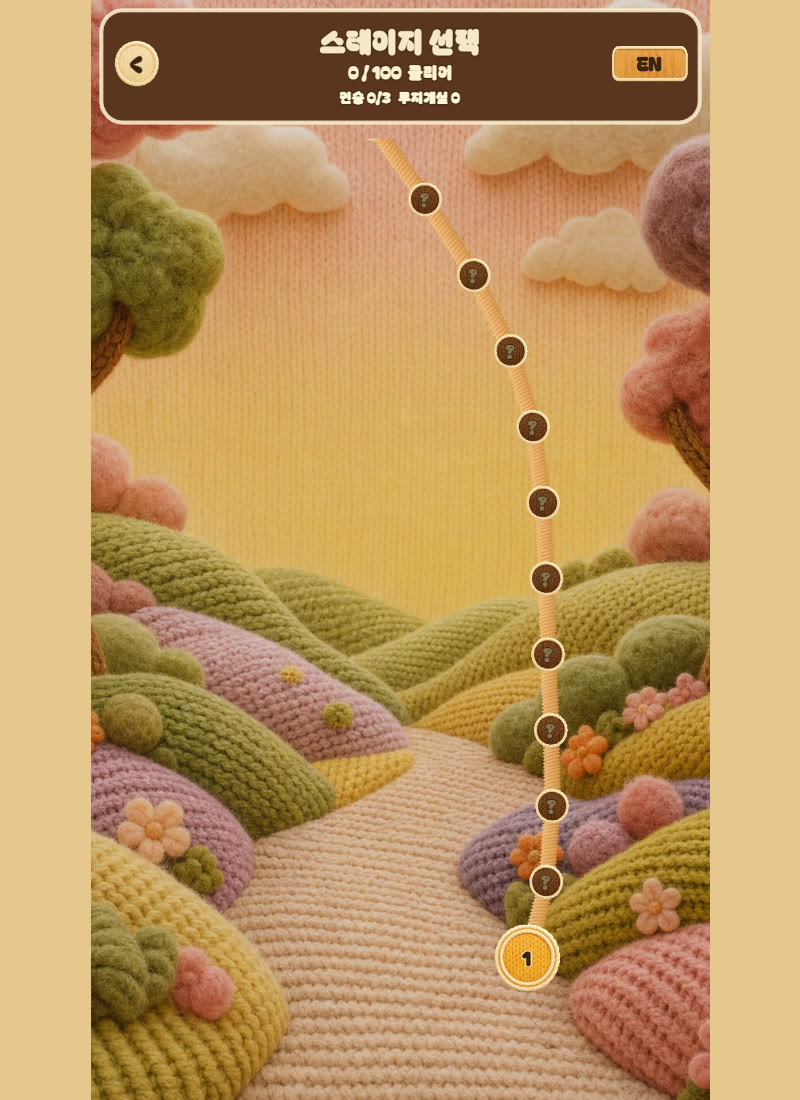
WoolSaga stage-select screen
Stage select — knit world map
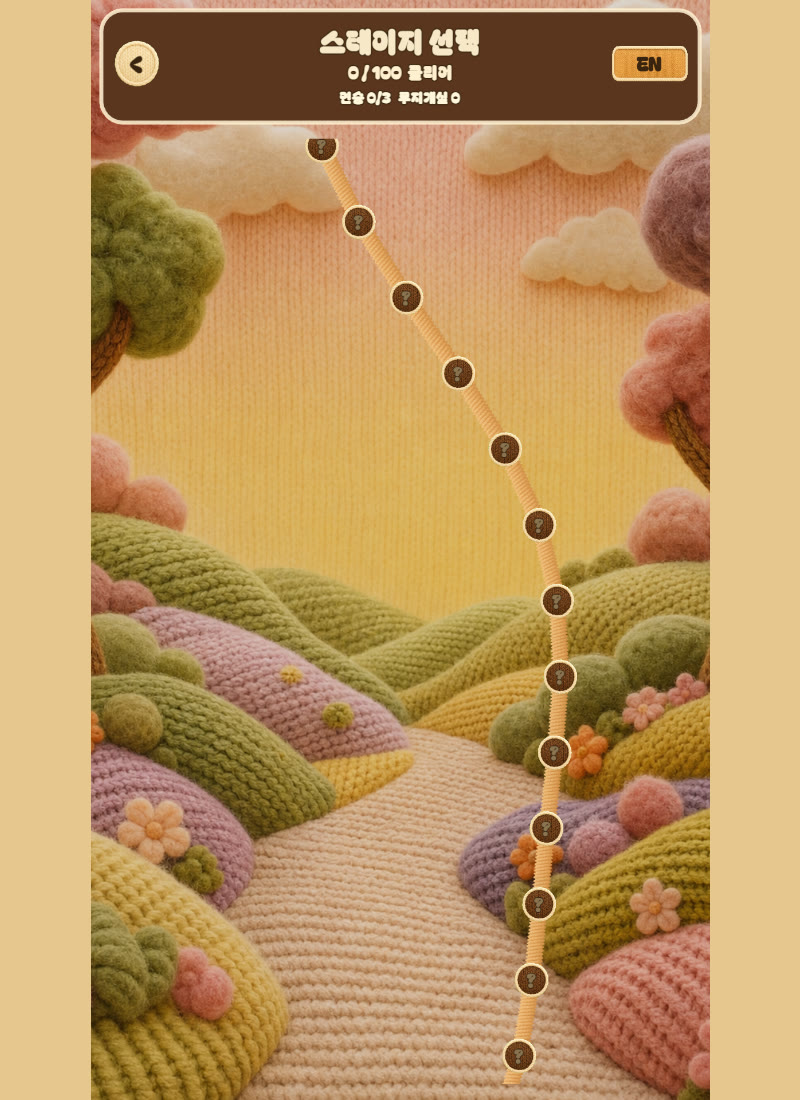
WoolSaga upper stage-map section
World map — upper stages
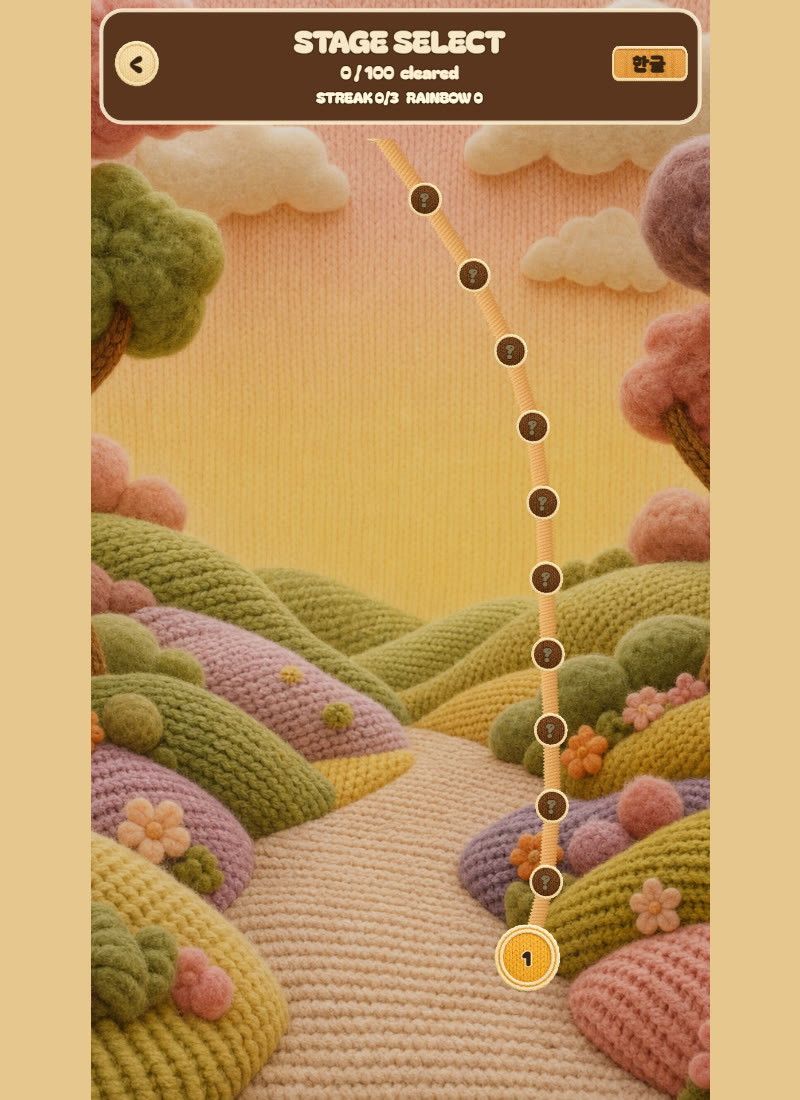
WoolSaga English localization screen
EN localization — language toggle

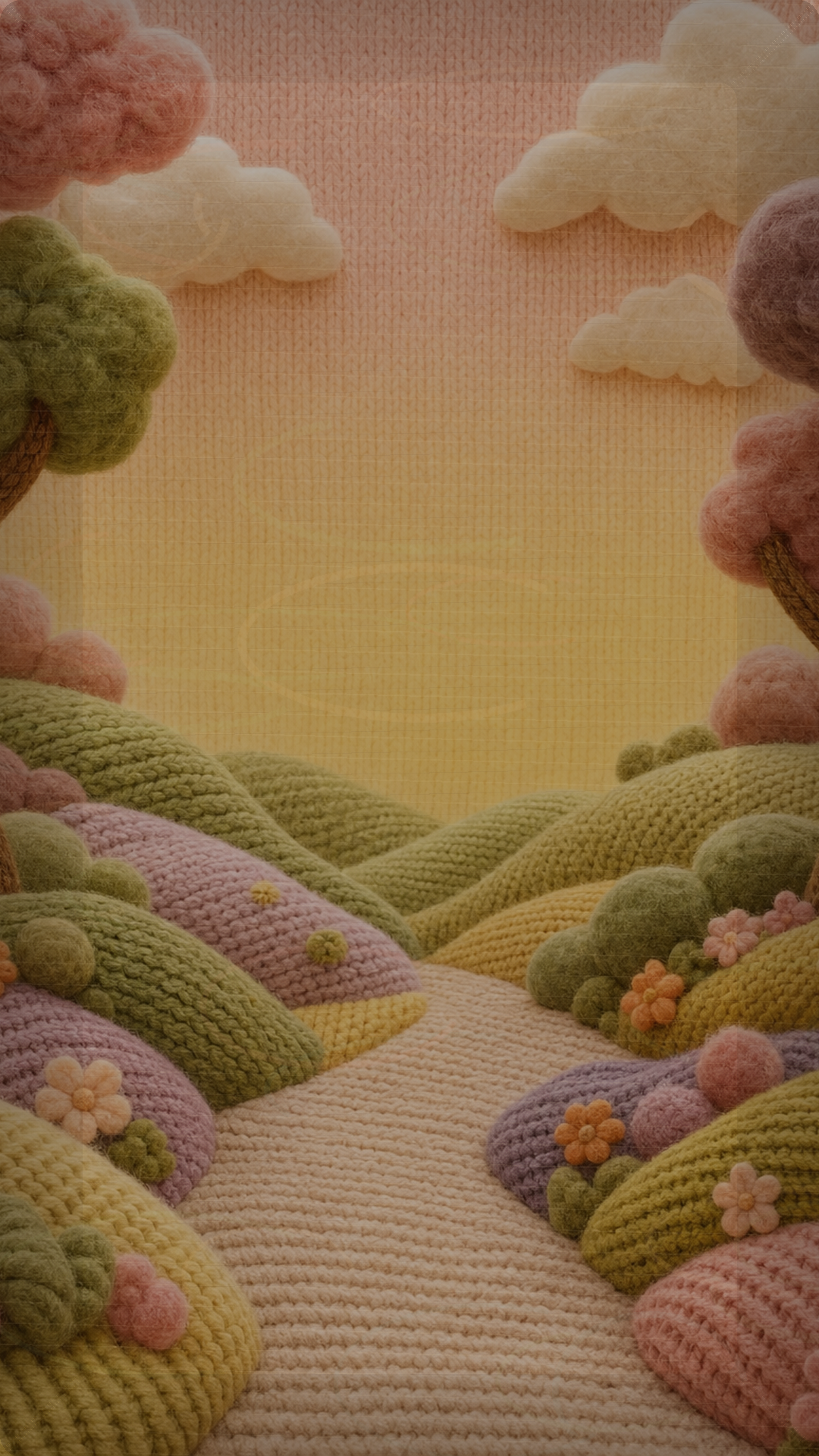
Art direction theme backgrounds · characters · title cinematic

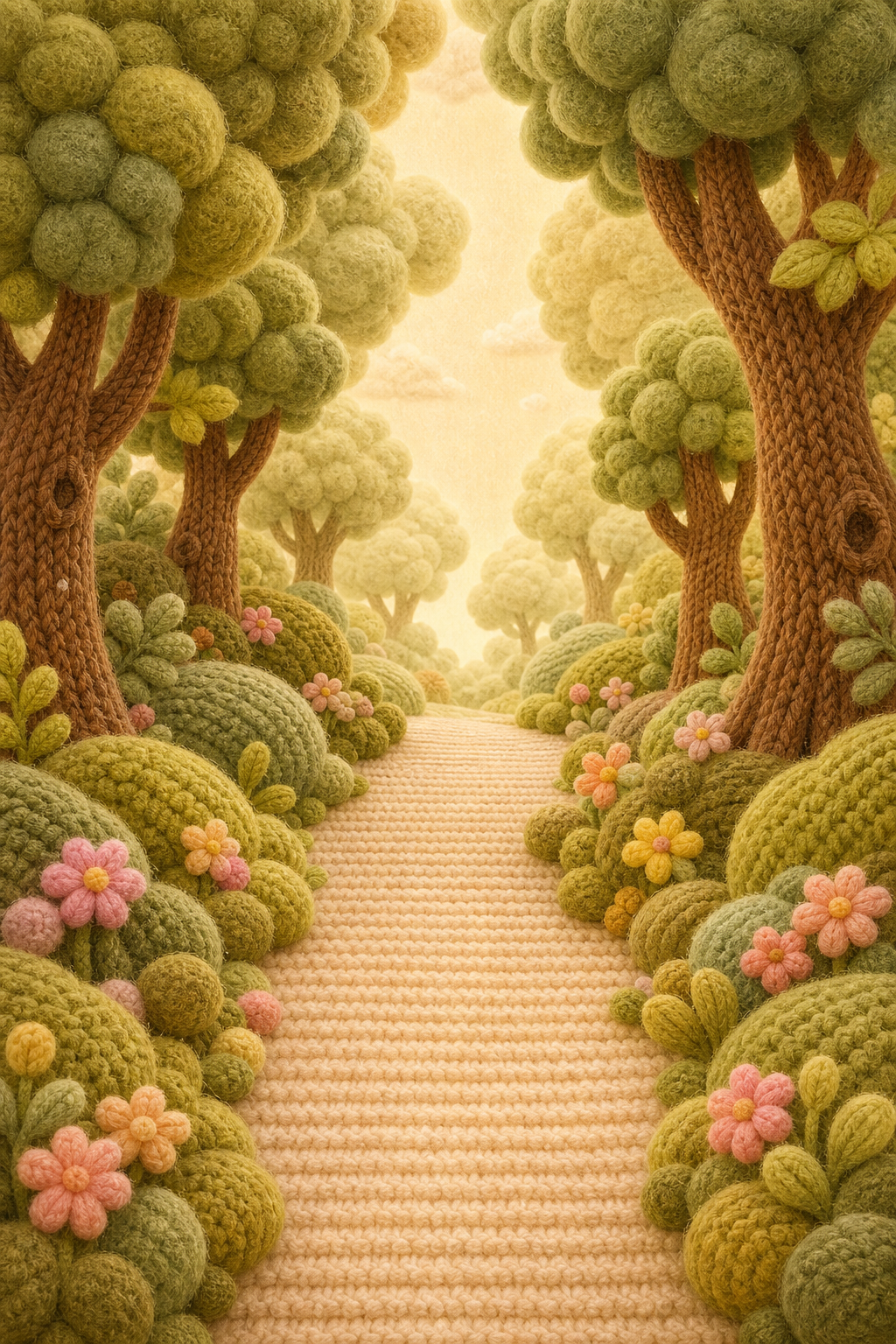
WoolSaga game background
In-game background — main
Forest theme background
Theme background — Forest
Snow theme background
Theme background — Snow
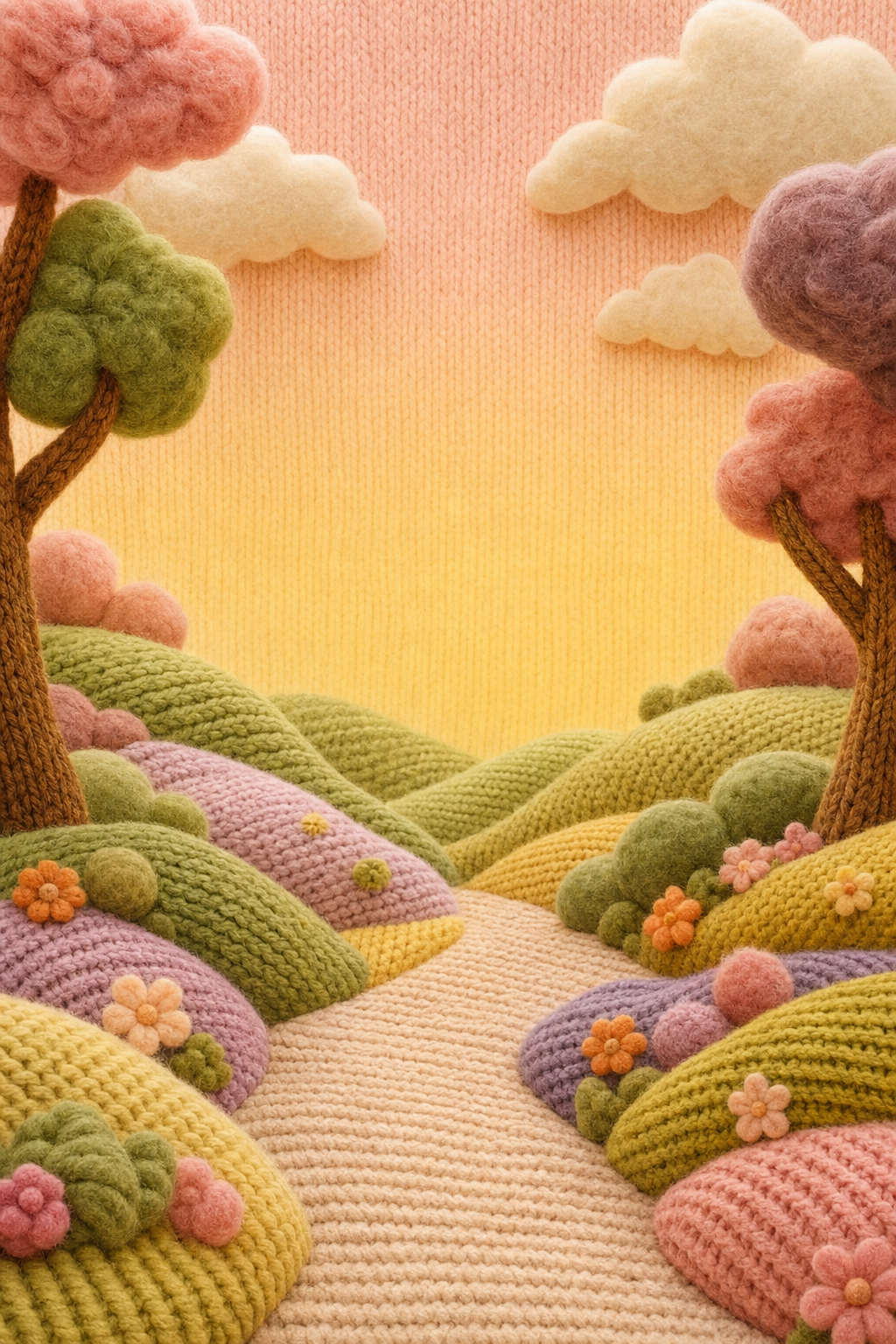
Stage-select map
Stage-select map
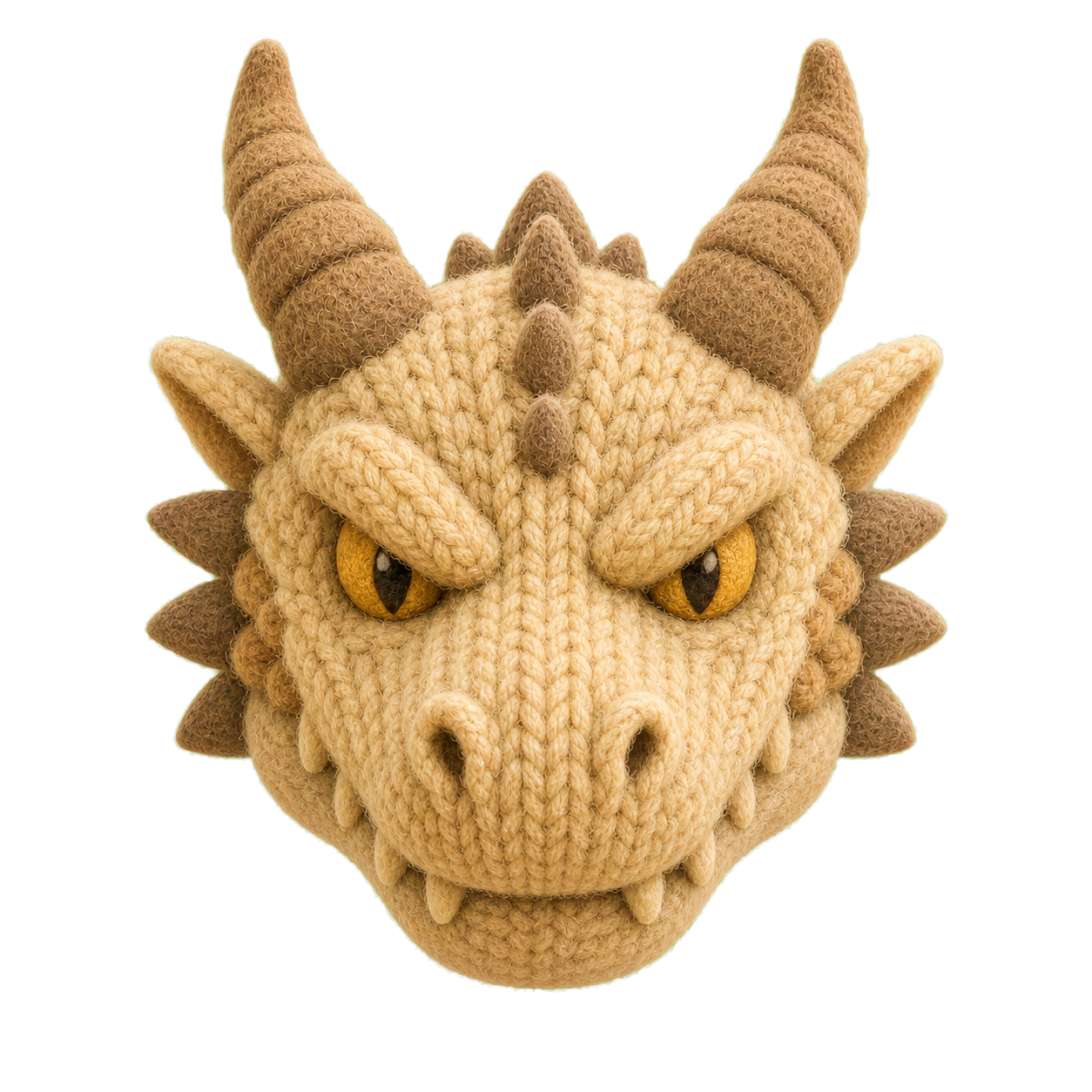
Title cinematic — dragon
Wool dragon head
Dragon head — main character
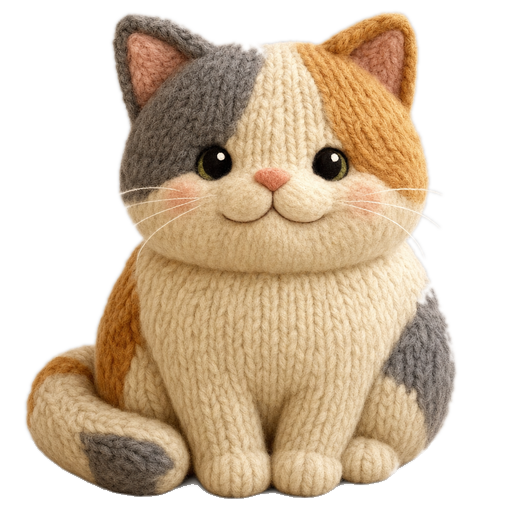
Cat character
Cat — sub character
PROJECT 04

Dungeon Survivors

Solo project — HUD motion · combat direction · all systems Phaser 3 · HTML5 8 characters · 5 zones · full meta loop

A vampire-survivors-like HTML5 game. On a screen flooded with hundreds of enemies, the UI responds instantly with 0.12s transitions without obscuring combat. Canvas (combat) and DOM (HUD) are separated so each uses its best tech — HP/XP bars via CSS gradients + transitions, the level-up roulette via DOM overlay, combat effects via Phaser particles.

🎛️Hybrid rendering strategy

Combat (hundreds of entities) on a Phaser canvas, HUD on DOM. The HP-bar width .12s transition, the equipped-artifact inset glow glow — whatever CSS does better, goes to CSS.

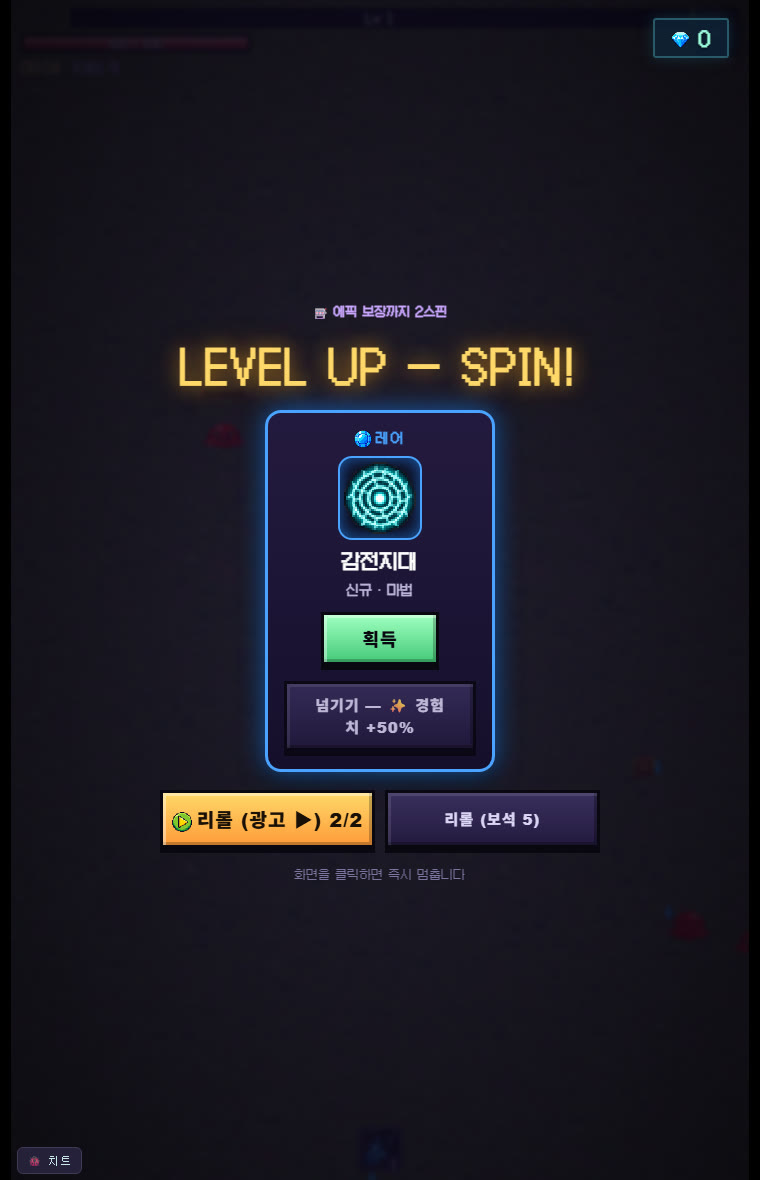
🎰Level-up roulette motion

A beat of combat-pause → roulette spin → winning-slot highlight. Reworked from card-pick to roulette to raise anticipation at every level-up, with a tier color system (Common–Legendary) applied consistently across slots, chips, and icons.

🗺️Scene transitions & information hierarchy

Six hub screens (character/zone/research/shop/journal) under one overlay system — unifying enter/exit motion direction to give a sense of space.

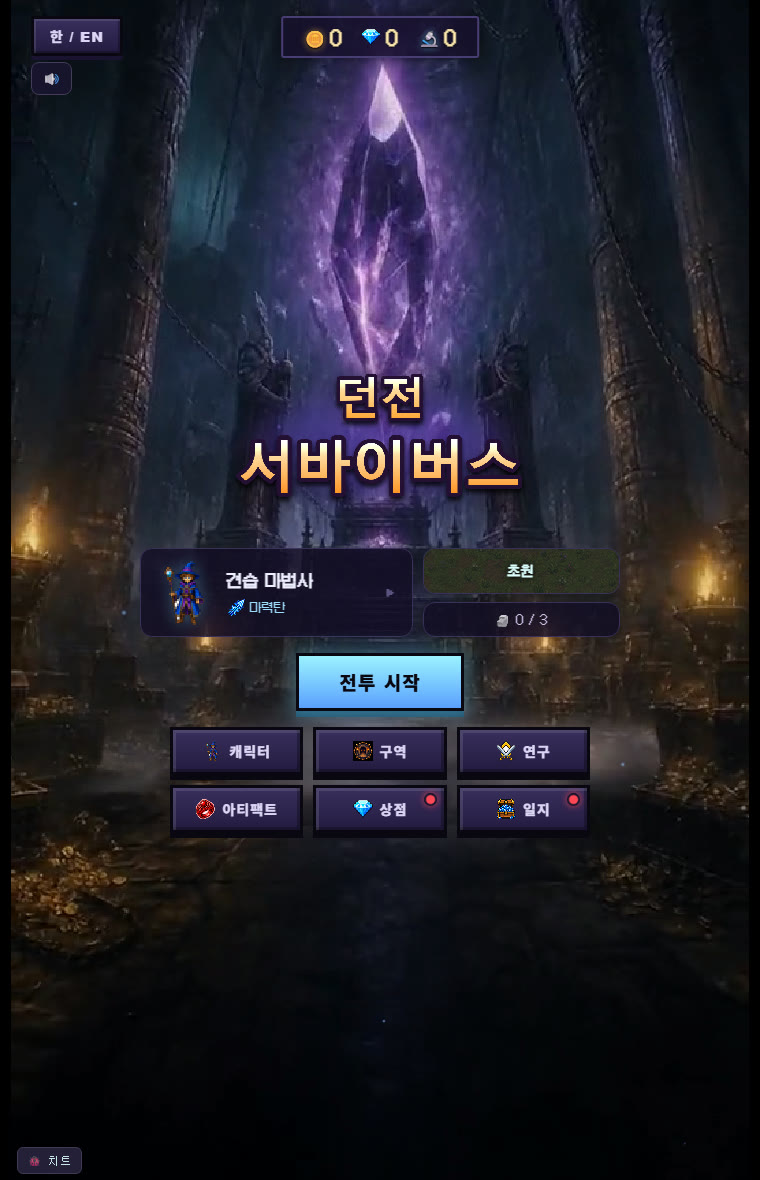
In-game — latest build dungeon hub · real combat · level-up spin roulette (actual captures)

Dungeon Survivors hub — portals and menus
Dungeon hub — portal motion · 6 meta menus
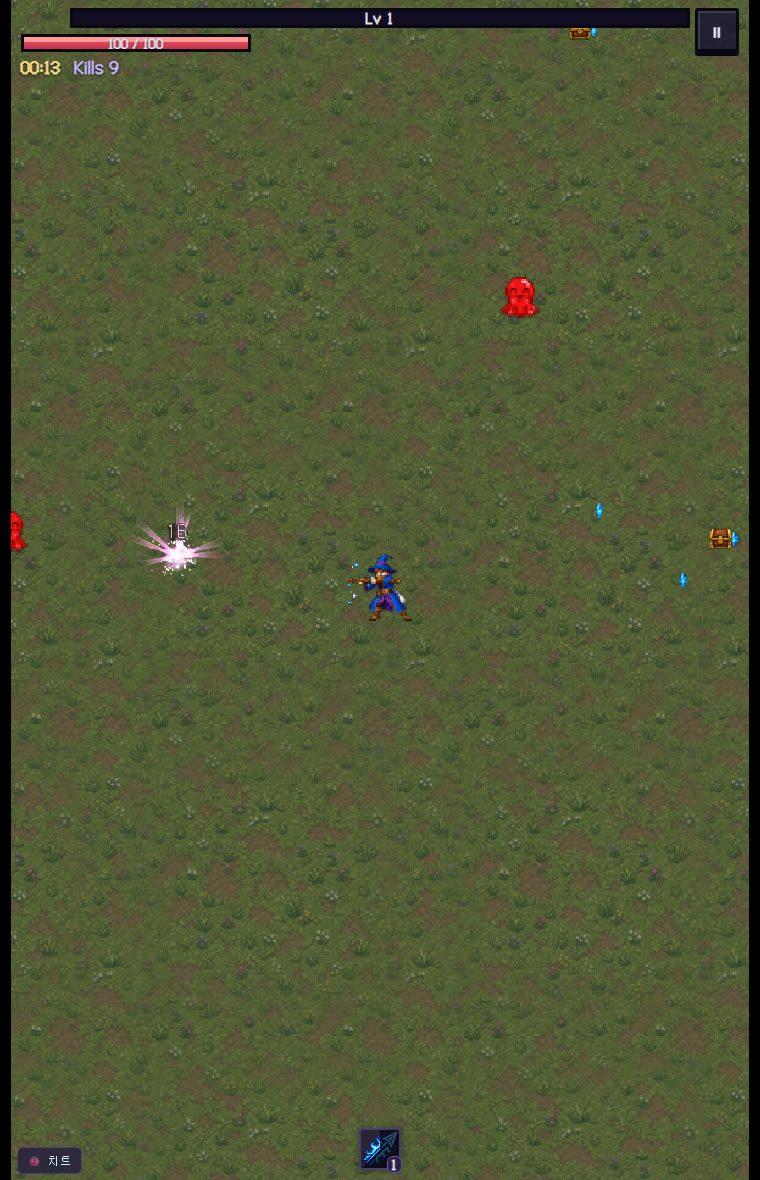
Dungeon Survivors combat — enemy waves and HUD
Real combat — enemy waves · hit FX · HUD
Dungeon Survivors level-up spin roulette — LEVEL UP SPIN
Level-up roulette — spin → winning card · reroll (ad/gem)

Art assets zone backgrounds · characters · skill-icon system

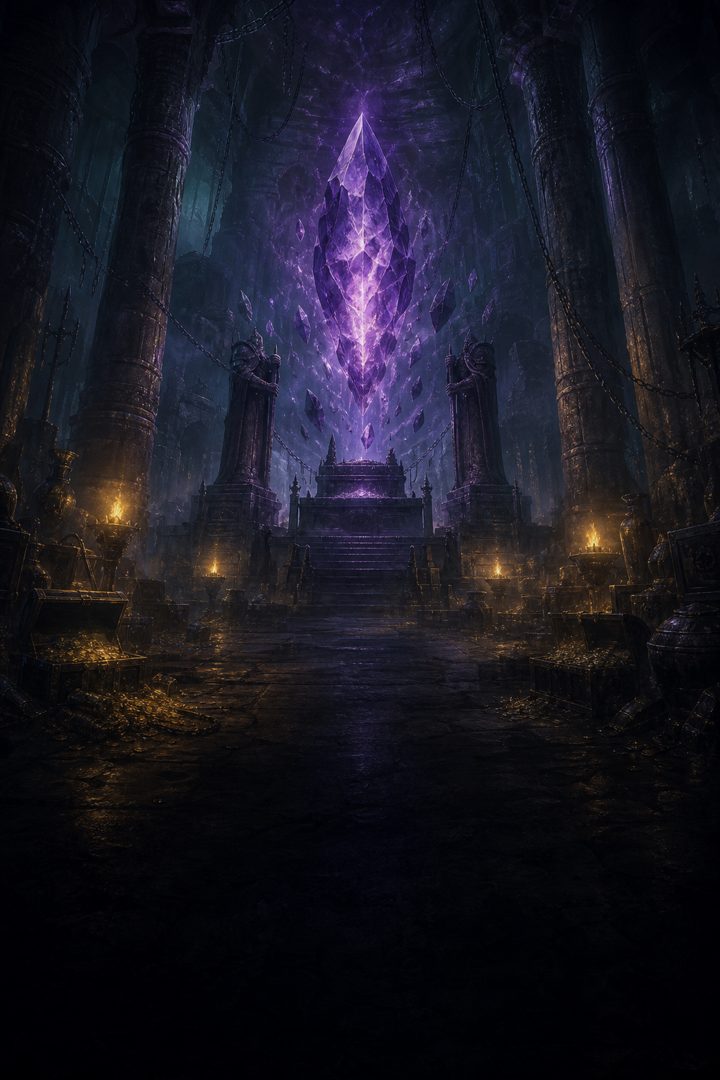
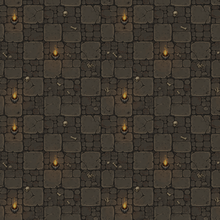
Hub background
Hub (main menu) background
Laboratory zone
Zone — Laboratory
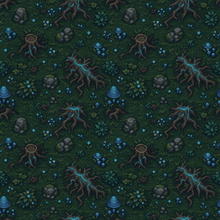
Arboretum zone
Zone — Arboretum
Sewer zone
Zone — Sewer
Skill iconSkill iconSkill iconSkill iconSkill iconSkill iconSkill iconSkill icon
Skill-icon system — 8 mage-line skills
Character iconCharacter iconCharacter iconCharacter iconTierTierTierTier
4 characters + 4-tier color system
Boss — Goliath
Boss — Goliath
PROJECT 05

Grid Rush — new block puzzle

Even prototypes are managed as runnable builds, not design docs. Grid Rush is a block puzzle with 4 modes plus records and a daily meta loop — every capture below is actual gameplay, and it plays right here.

Solo project — design · art · motion · code (all of it) HTML5 · mobile puzzle Classic · Stage 48 · Time Attack · Daily

🎯Placement IS the thrill

Instant feedback from piece placement → line clear → combo. The puzzle game-feel honed on K2, extended into my own title.

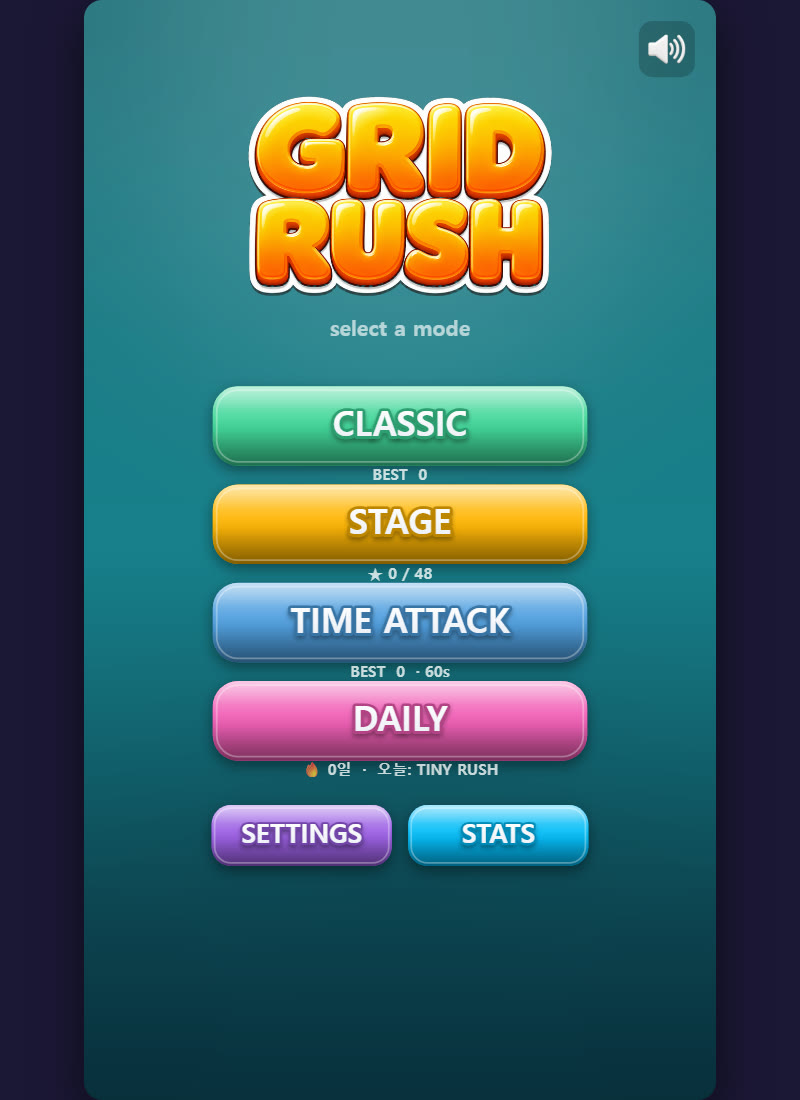
🧩4 modes + daily loop

Classic (endless) · Stage 48 · Time Attack (60s) · Daily Challenge. A meta design where BEST records and daily missions drive return visits.

🧨Item motion

LINE (row clear) · BOMB (area blast) items — board-splitting clear motion and slot-gauge feedback design the feel of a comeback.

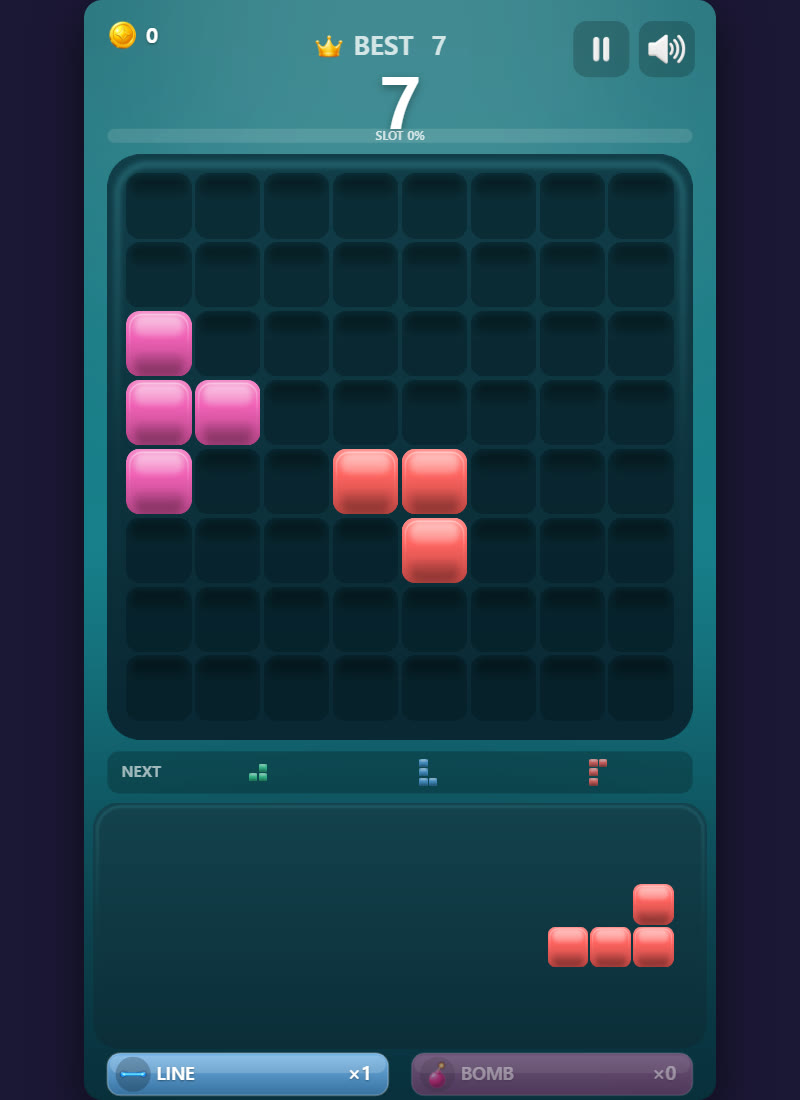
In-game actual build captures — main menu · classic mode

Grid Rush main menu — 4 modes
Main menu — mode select · daily challenge
Grid Rush classic mode — block-placement board
Classic — placement · NEXT queue · LINE/BOMB items
▶ Play Grid Rush
PLAYABLE

Play, don’t tell — live demos

The games below ship as actual builds in this portfolio folder. Dungeon Survivors · Grid Rush play instantly by double-clicking index.html, and WoolSaga dynamically loads assets, so run it via START_PORTFOLIO.bat (local server) or a hosted URL.

WoolSaga title screen

WoolSaga

PixiJS 8 web build. A yarn-dragon puzzle — 100-stage map, flipbook VFX, UI motion. (play via server/host — START_PORTFOLIO.bat)

▶ Play
Dungeon Survivors hub screen

Dungeon Survivors — VSLike

A full Phaser 3 game (8 characters · 5 zones · meta progression). Verify the dungeon-hub motion, level-up spin roulette, and hybrid HUD by playing.

▶ Play
Grid Rush classic mode — block-placement board

Grid Rush — block puzzle

HTML5 web build. A block puzzle with 4 modes · NEXT queue · LINE/BOMB items · daily meta loop — plays right here.

▶ Play

This is the other half of how I work — the VFX & technical-art depth under the UI/UX above. Designing the screen and building the effects, shaders and tooling behind it, in one pair of hands, is exactly my differentiator.

UI + VFX + TECHNICAL ART

The other half — VFX & technical-art depth, in one designer

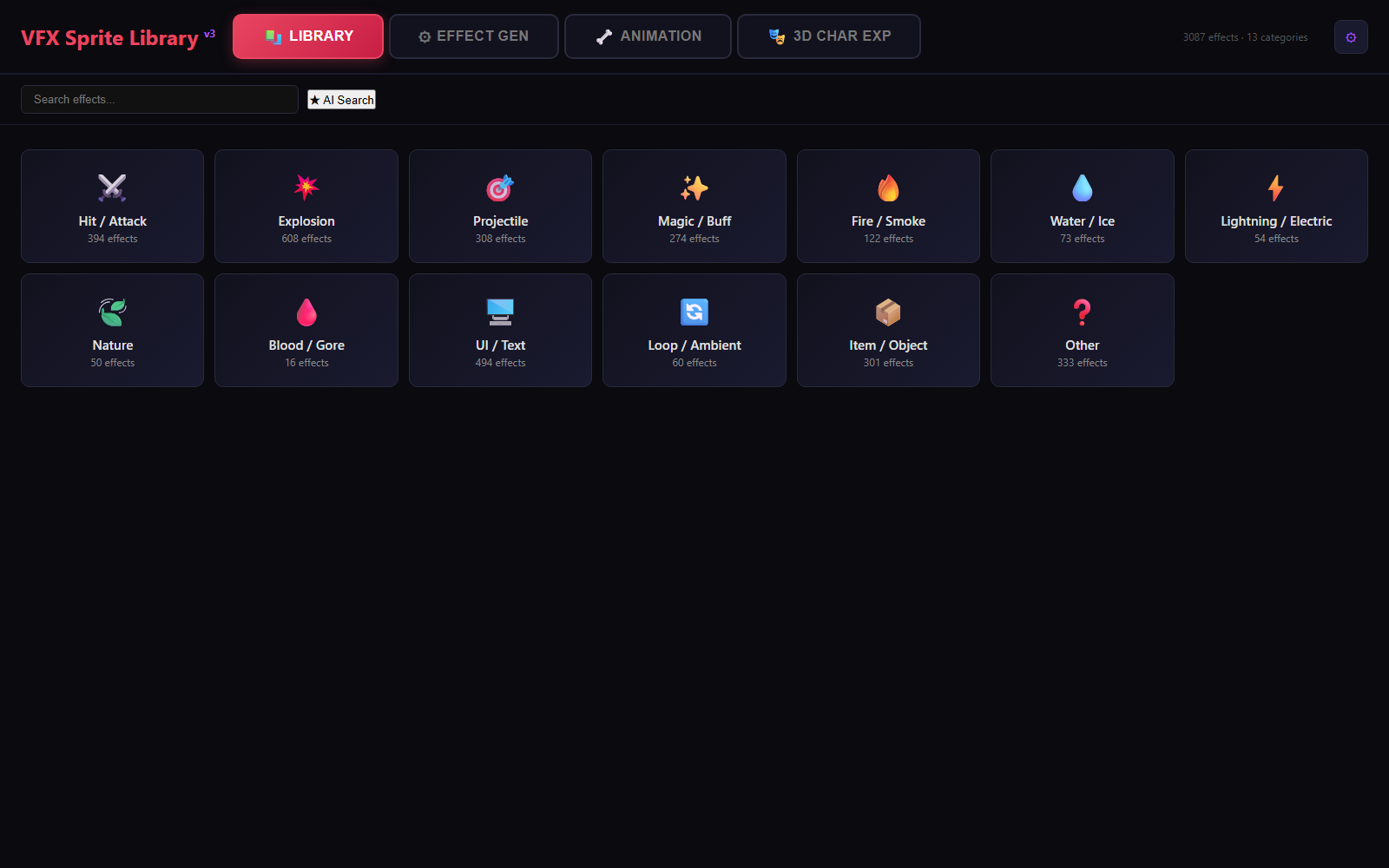
Alongside the effect/UI work on those live titles, I built a pipeline that captures & classifies in-game effects automatically. It auto-captures 3,815 effects and auto-classifies 3,087 of them into 13 categories into a searchable/playable/exportable library (VFX Library v3) — see the real screens below. A system that answers “how did this effect look in another game?” within 3 seconds.

STEP 1 — CAPTURE
VfxBatchRecorder.cs

Resident Unity Editor recorder. _VfxBatchTrigger.json detected → spawn, play & frame-capture VFX prefabs. Resolution/FPS/length configurable.

STEP 2 — EXTRACT
vfx-sprite-extractor

TypeScript CLI. Unity YAML/.meta parsing → GUID map → texture tracing. UE5 projects supported too.

STEP 3 — PROCESS
Auto-Trim + Sheet Export

Auto-trim transparent padding → auto-compute N×N grid → export sheet (original + 50%). Sharp-based image processing.

STEP 4 — SERVE
VFX Library v1→v3

3,815 captured → 3,087 classified. Search/play/export web viewer, self-improved over 3 iterations.

📐Why I built it

Hunting for effect references ate 30% of work time. Effects scattered across games are captured once and reused forever — building a moodboard for a new project dropped from days to minutes.

🔁v1 → v3, 96.5% lighter

v1 (5.3GB static HTML) was heavy; v2 (metadata + server) gained manageability but was slow. v3 split thumbnails and lazy-loaded to shrink the core to 184MB. I iterate on tools like products too.

🧪This portfolio is an output too

The flipbook player, sequence playback, and viewport-based playback control on this very page are all a custom engine written with the same pipeline philosophy.

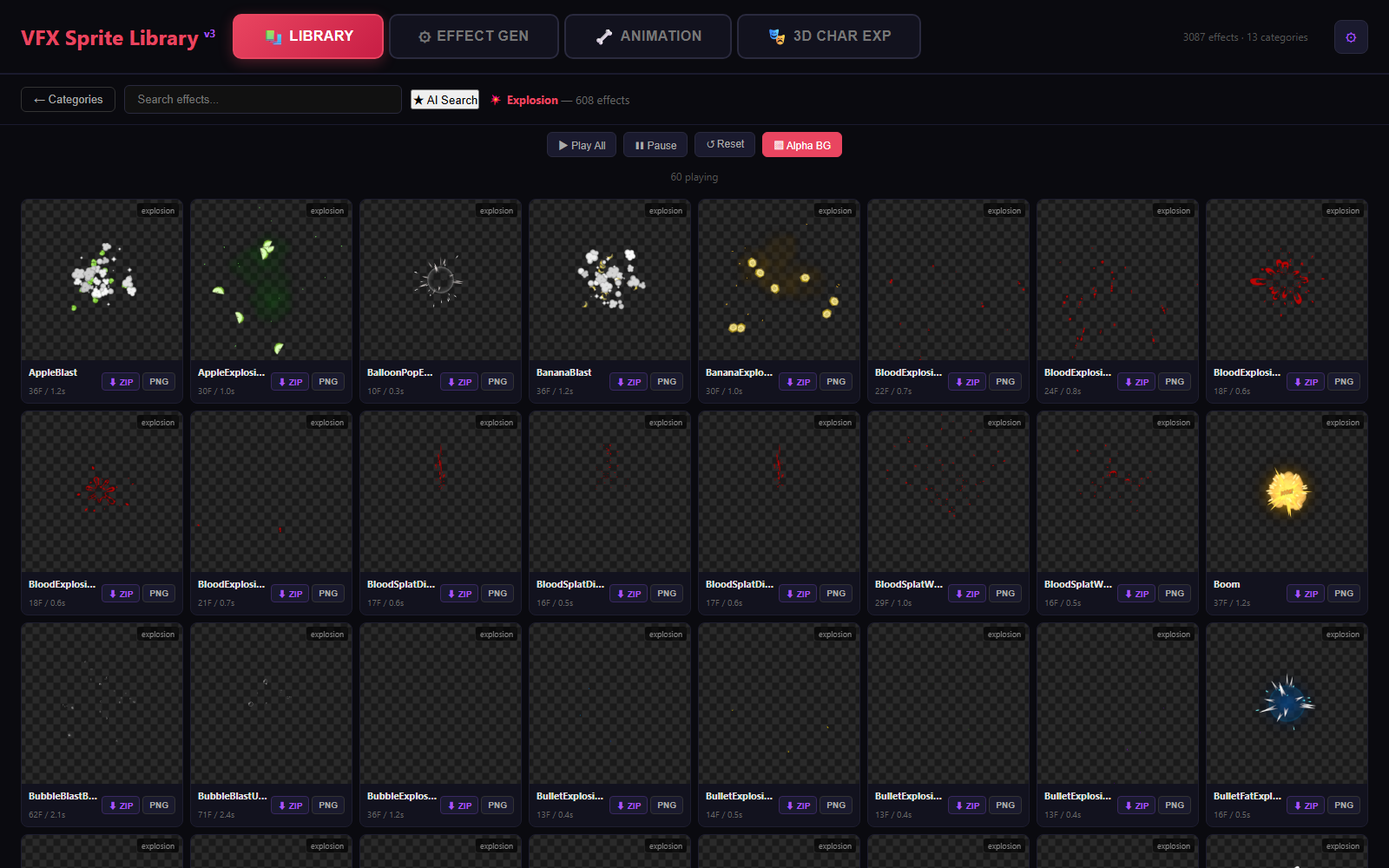
VFX Sprite Library v3 — real screens an effect-reference tool I designed & built · live demo included

VFX Library v3 category screen
13 categories · 3,087 effects auto-classified — search · batch play · one-click export
VFX Library v3 Explosion category — 60 playing at once
Explosion category, 608 effects — “Play All” runs 60 at once, alpha-background toggle, one-click ZIP/PNG export
_VfxBatchTrigger.json — capture spec for artists
// Artists only write the prefab path into JSON.
// The resident editor recorder detects it and captures automatically.
{
  "prefabs": ["Assets/.../VFX.BloodSurge.prefab"],
  "width": 512, "height": 512,
  "fps": 30, "duration": 5.0,
  "background": "transparent"
}
VfxBatchRecorder.cs — frame capture loop (excerpt)
for (int f = 0; f < frameCount; f++)
{
    yield return new WaitForEndOfFrame();

    RenderTexture.active = rt;
    GL.Clear(true, true, new Color(0,0,0,0)); // preserve alpha
    cam.Render();
    readTex.ReadPixels(new Rect(0, 0, w, h), 0, 0);

    File.WriteAllBytes(
        Path.Combine(dir, $"frame_{f:D4}.png"),
        readTex.EncodeToPNG());
}